

Have you ever managed test cases in spreadsheets and struggled to track what was tested and what was missed during a release?
This is exactly why modern QA teams rely on powerful test management tools to bring structure, visibility, and control into their testing process.
As applications grow with microservices and CI/CD pipelines, testing becomes harder to manage. This is where test management software brings structure, visibility, and control.
In Agile and DevOps environments, QA test management tools act as the central command center for quality engineering. They connect manual testing, automation testing, CI/CD pipelines, and defect tracking into one unified testing ecosystem.
In this guide, we will explore the top test management tools, compare their capabilities, and show how to choose the right test management tool for your QA team.
{{blog-cta-3}}
{{cta-image}}
What Are Test Management Tools?
Test management tools are software platforms used by QA teams to manage, organize, and control the entire software testing lifecycle.
They replace spreadsheets and manual tracking with structured workflows, automation integration, and real-time reporting.
What Test Management Software Does
Test management software helps QA teams:
- Create, organize, and maintain test cases in a centralized system
- Plan and manage test cycles and test runs
- Track test execution status (pass, fail, blocked)
- Integrate with bug tracking tools like Jira and GitHub
- Collect automation test results from CI/CD pipelines
- Generate real-time QA reports and dashboards
- Maintain requirement traceability and test coverage
Why QA Teams Use Test Management Tools
Modern QA test management tools enable teams to:
- Improve test case organization and reuse
- Increase visibility into testing progress
- Manage both manual and automated testing
- Ensure complete test coverage for every release
- Collaborate better with developers and product teams
Top 45 test management tools
1. TestDino
TestDino is a Playwright-focused reporting and test visibility platform designed to support teams at different levels of CI maturity. It offers two reporting approaches,
- Native JSON/HTML upload = simple, post-run reporting with minimal change
- TestDino custom reporting = richer metadata + real-time updates + CI controls for teams operating at scale
allowing teams to start simple and adopt more advanced capabilities as their CI usage grows.
How Test Case management works in TestDino:
The Test Case Management tab in TestDino is a standalone workspace where teams can create, organize, and maintain all their manual and automated test cases within the project.
It acts as the foundation for structuring test coverage, grouping test cases under suites and subsuites, and managing classification, automation status, and metadata.
The layout prioritizes clarity and speed: a sidebar for suite hierarchy, a top bar for key actions, and a main panel for test cases in grid or list form.
Workspace Overview
KPI Tiles
At the top of the Test Case Management tab, four KPI tiles summarize the state of all test cases in the workspace:
- Total: The total number of test cases in the project
- Active: Test cases marked as Active and ready for use
- Draft: Test cases in a draft state, not yet finalized
- Deprecated: Retired or outdated test cases kept for reference

These metrics update dynamically as test cases are added, deleted, or reclassified.
Views
The Test Cases page shows all test suites listed in a collapsible hierarchy. Clicking a suite expands it to show its test cases, and if that suite contains subsuites, those appear as nested sections as well.
You can switch between two ways to view all test cases: List View and Grid View.
1. List View (Table Layout)
A high-density table format, ideal for bulk operations and scanning. It includes columns for:
- Key
- Title & Priority
- Type
- Tags
- Status
- Automation
- Severity
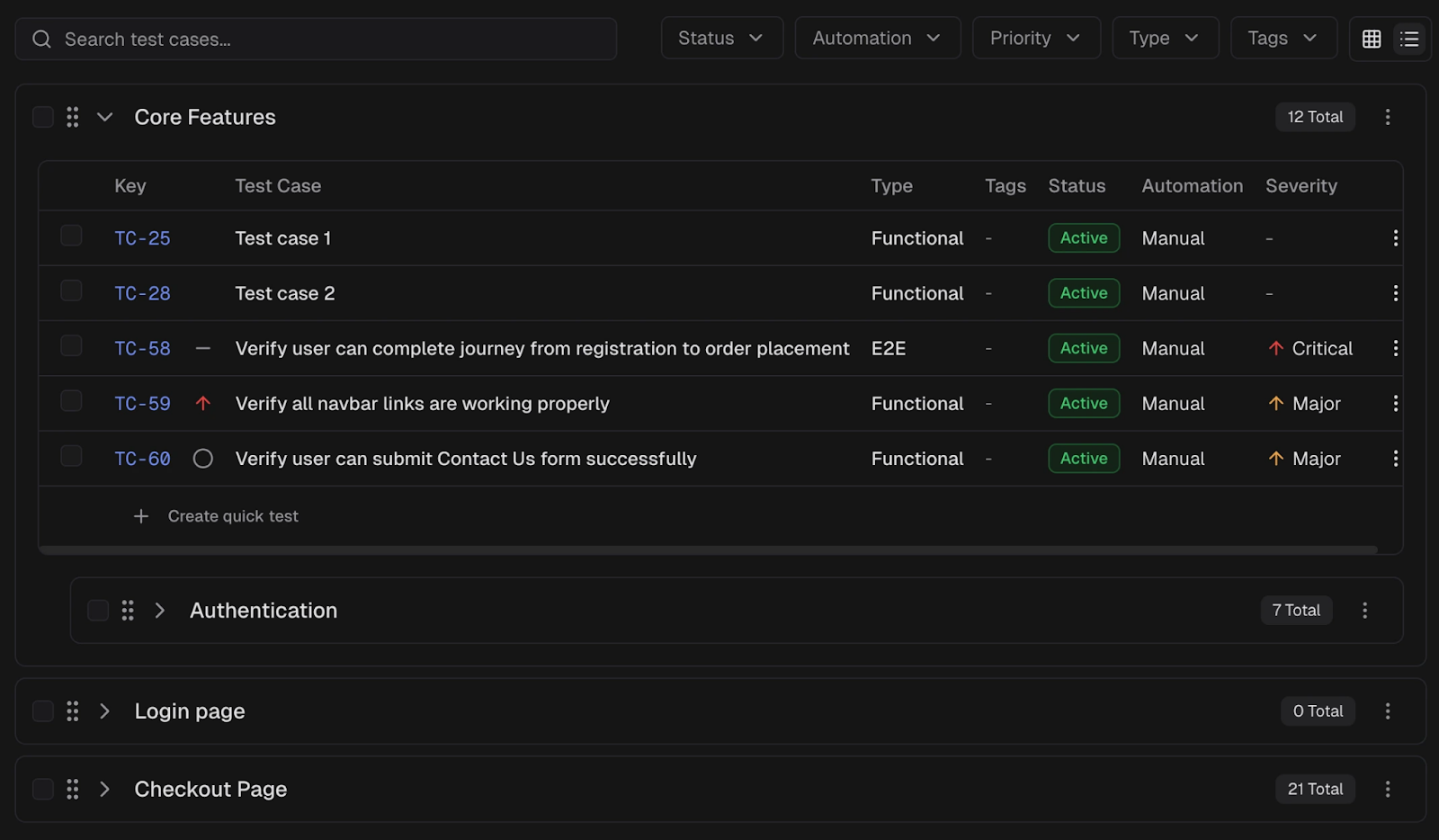
Use checkboxes for bulk selection or the action menu on each test case row for individual actions.
2. Grid View (Card Layout)
A visual, card-based layout. Each card shows:
- Key
- Title
- Priority
- Severity
- Status
- Automation
- Tags
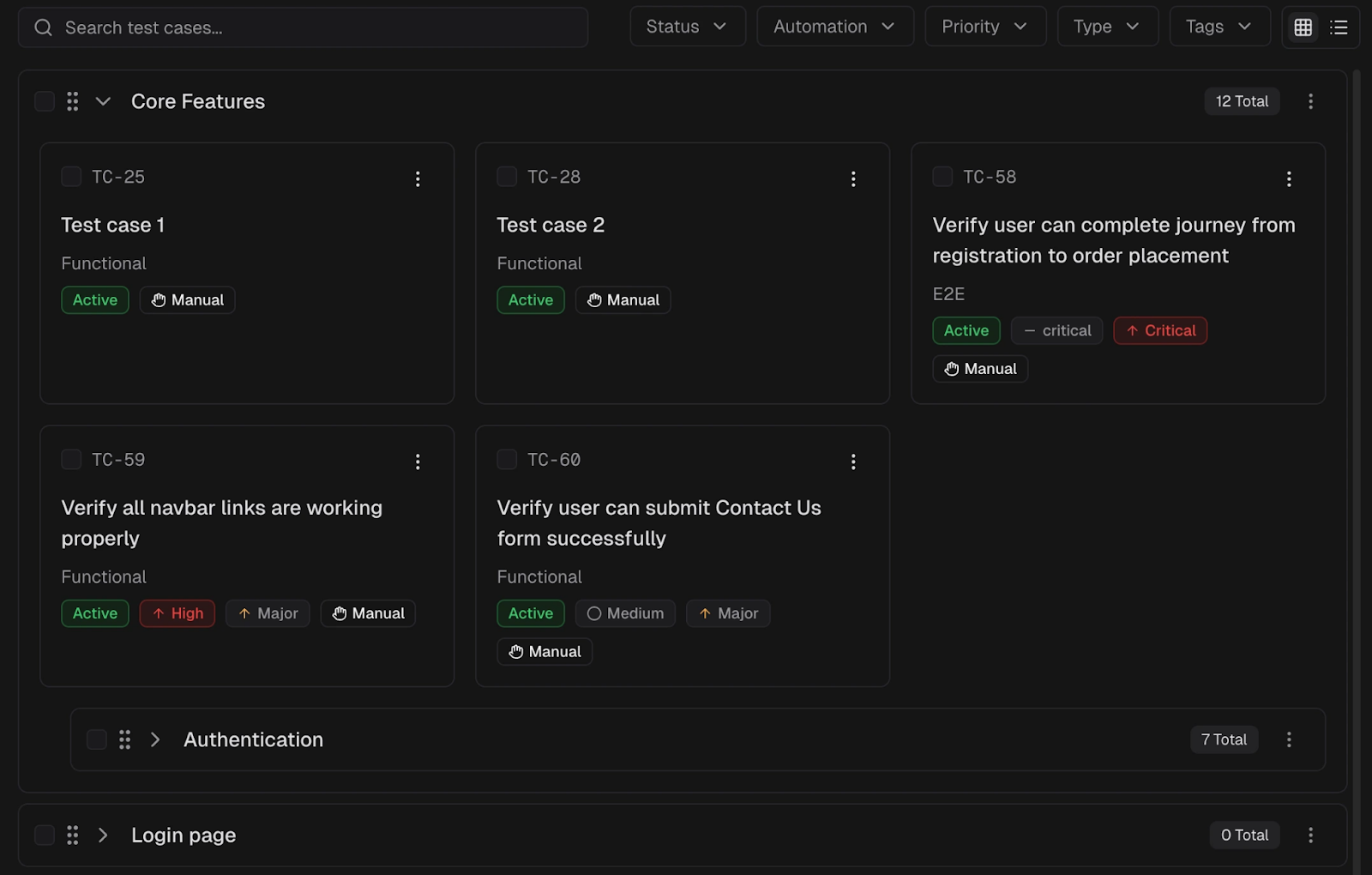
Search Functionality
You can search by test case name (Title) or by its Key (ID) (for example: TC-6297). The list filters in real time as you type.
Available Filters
Five filter dropdowns allow you to refine visible test cases:
- Status: Active, Draft, Deprecated
- Automation: Manual, Automated
- Priority: High, Medium, Low, Not Set
- Type: Functional, Smoke, and more
- Tags: One or more user-defined labels
Quick Start Steps
1. Open the Test Cases tab
Go to your project and select Test Cases from the navigation bar. This opens the Test Case Management workspace.
2. Create your first suite
In the Suite Sidebar, click the New Suite button to create a new suite or subsuite. Use suites to group related test cases under feature, module, or component names.
3. Add test cases
Use the New Test Case button in the toolbar to open the full creation form. You can also add test cases directly within a suite or from the suite's context menu.
Fill in Title, Priority, Status, and Tags. Add test steps or link to automated spec files. Save and organize into suites.
Key Features
- Manual + automated test case management: manage test documentation and automation together.
- Historical run insights: compare test history across branches, environments, and releases.
- AI-powered failure insights: automatically analyzes logs, traces, and history to explain why tests failed.
- CI-first optimization: rerun only failed tests and reduce pipeline time + cost.
- Evidence-rich failure views: screenshots, videos, traces, logs, and steps all in one screen.
- PR + CI workflow automation: automatic PR comments, commit status updates, and base-branch comparisons.
- Role-based dashboards: tailored views for QA, developers, and managers with the right context.
- Flaky test detection: identifies unstable tests over time instead of marking everything as "failed.”
- Cross-environment insights: detect differences between staging, QA, and production behavior.
- Secure access & RBAC controls: granular permissions, time-limited sharing, audit logs, and secure storage.
- Adaptive failure classification: learns from project patterns and labels tests as UI change, bug, or unstable.
- Integrations: Slack, Jira, Linear, Asana, GitHub, CI tools, email, and bi-directional issue sync.
- Advanced analytics dashboards: visualize trends, performance, retry behavior, and failure hotspots.
Best Use Case
- Deals with flaky tests and unreliable results across CI environments
- Needs GitHub/CI automation (PR comments, commit statuses, workflow triggers)
- Prefers evidence-rich reports (screenshots, videos, traces, logs) in one place
- Wants deep integrations with Jira, Slack, Linear, Asana, and GitHub.
- Wants role-based dashboards for QA, developers, and managers
- Needs historical insights across branches, PRs, and environments
- Wants to rerun only failed tests instead of re-running everything
- Needs AI-driven insights to understand why tests fail, not just that they failed
- Runs large Playwright suites, and debugging failures slows releases
Pros
- Flaky test detection and history make CI more stable and predictable.
- CI-first workflows enable PR comments, reruns, and automation easily.
- Role-based dashboards give each team member the right level of detail.
- AI insights help teams debug faster by explaining real failure causes.
- Reports show traces, screenshots, videos, logs, and steps together.
Cons
- It is most useful for teams that already run tests in CI
- AI gets smarter over time as more test runs are collected
- Some teams may need a short walkthrough before they feel comfortable.
- Right now, it mainly works with Playwright, and other frameworks may come later.
Pricing
Ideal Team Size
TestDino works well for teams of almost any size, but the value grows as your Playwright tests and CI pipelines scale.
It is an especially good fit when:
- A team has 50+ automated tests, and debugging starts slowing people down
- CI runs happen on every commit or pull request
- Multiple developers or QA members share responsibility for failures
- Flaky tests are becoming harder to track manually
Best for
- startups growing their automation
- mid-size teams building serious CI pipelines
- enterprise teams managing large test suites across branches and environments
If you want to take a quick look without any setup, you can also check out our sandbox environment to see how it works in practice.
2. AgileTest
Overview
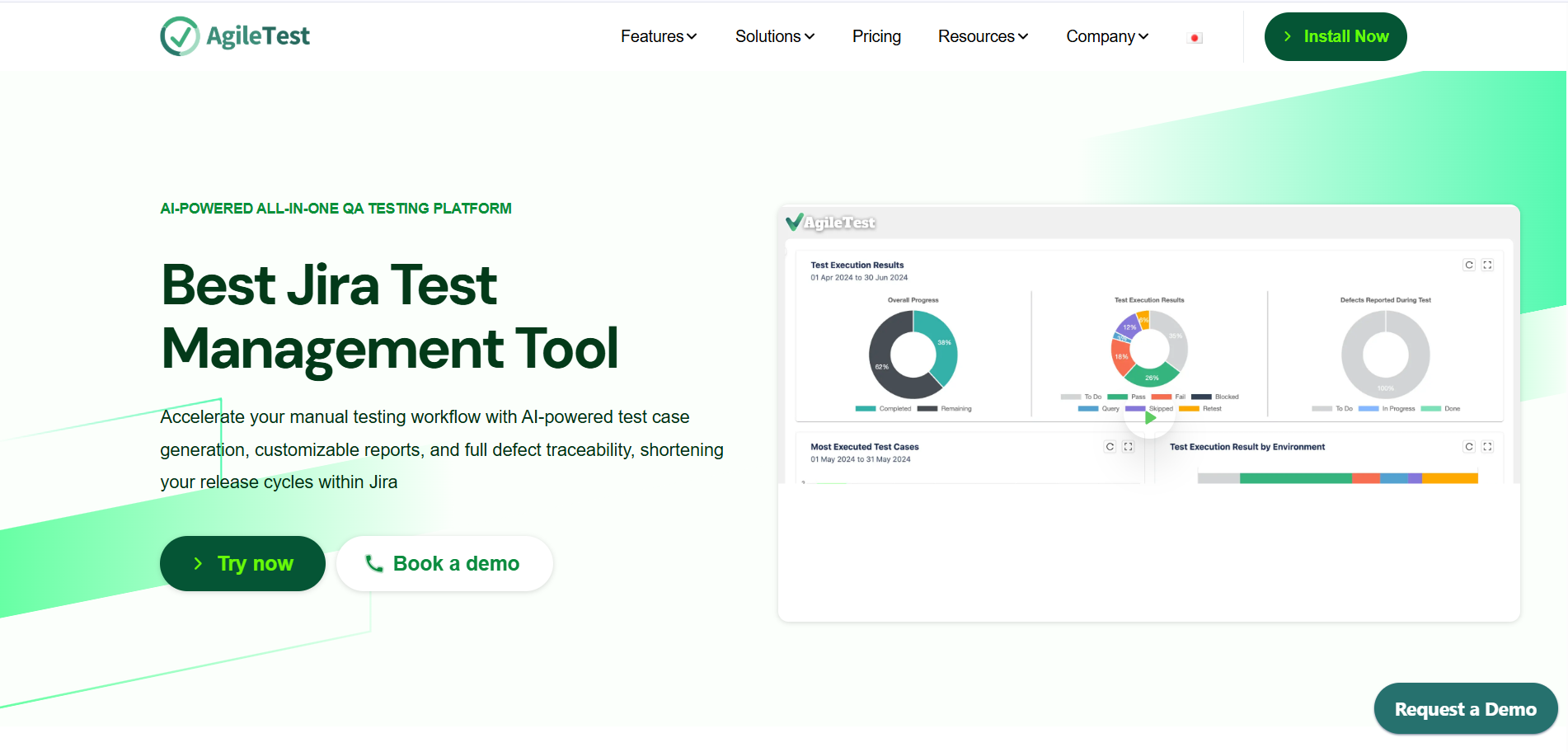
AgileTest is a Jira-native test management tool designed to manage manual and automated testing workflows in one place. It provides comprehensive test case management, reporting, traceability, and AI-powered testing features to streamline QA processes within Jira.
Key features
- Test case, test plan, test run, and defect management inside Jira.
- AI-powered test case and test step generation.
- Exploratory testing and scripted testing support.
- Custom dashboards and real-time reporting.
- Requirements traceability and test coverage tracking.
- CI/CD and automation integration with tools like GitHub, GitLab, Jenkins, etc.
Pros
- Deep Jira integration for seamless QA workflows.
- Supports multiple testing strategies (manual, automated, exploratory, script testing).
- AI-driven features improve test creation and analysis.
- Custom dashboards and detailed reporting enhance visibility.
- Suitable for teams of all sizes, from small teams to enterprises.
Cons
- Strong dependency on Jira (not ideal for non-Jira environments).
- Advanced features may require learning and configuration.
- Pricing depends on team size and subscription plans.
Best for
QA teams using Jira who need an all-in-one test management solution with automation, traceability, and reporting capabilities.
Pricing
- Free plan available for small teams (under 10 users).
- Paid plans based on per-user subscription with scalable pricing
Ideal for
Agile teams, Jira-centric organizations, and QA teams looking for a unified platform to manage testing workflows, automation results, and quality metrics.
3. Testray
Overview:
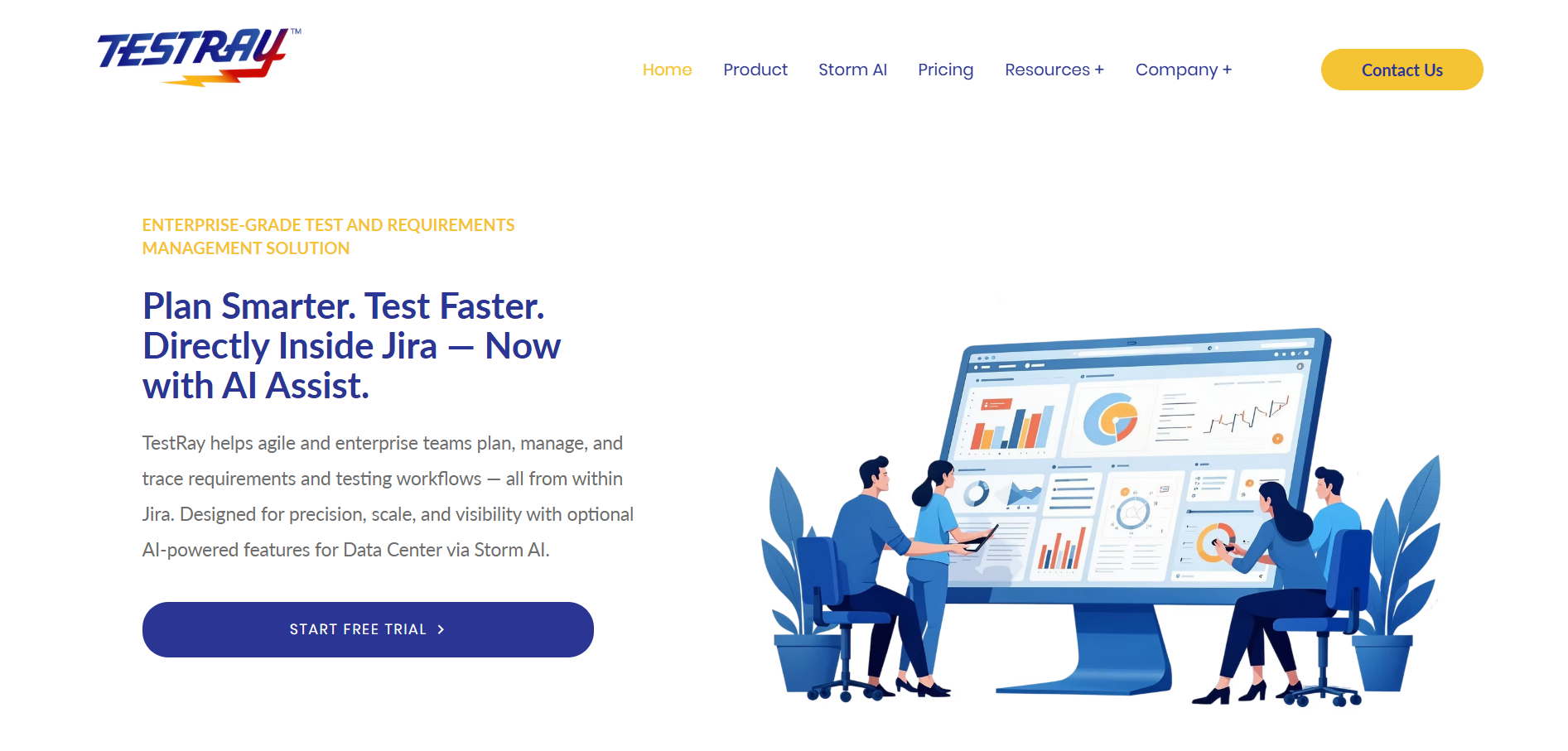
Testray positions itself as a modern test management and reporting solution that emphasizes automation-centric workflows and quality dashboards for engineering teams.
Key features:
- Test case and test run management.
- Aggregated reporting of automated test executions.
- CI/CD integrations and webhooks.
- Custom dashboards and trend charts.
- Role/permissions management.
Pros
- Built for automation: good at collecting and visualizing test automation results across runs and branches.
- Provides productized dashboards for engineering stakeholders to understand release readiness.
- Flexible enough to support teams that combine manual and automated testing.
- Usually offers integrations with major CI systems and VCS.
Cons
- Smaller user community than legacy market leaders, so fewer third-party integrations or community plugins.
- May require customization to match specific enterprise workflows.
- Less emphasis on deep manual test planning features compared to tools designed primarily for manual testing.
Best for
DevOps and automation-focused teams that need centralized reporting and visibility across multiple test pipelines and environments.
Pricing
Enterprise/quote-based; contact vendor.
Ideal for
Organizations with heavy automation and a need for robust CI visibility.
4. TestFiesta
Overview
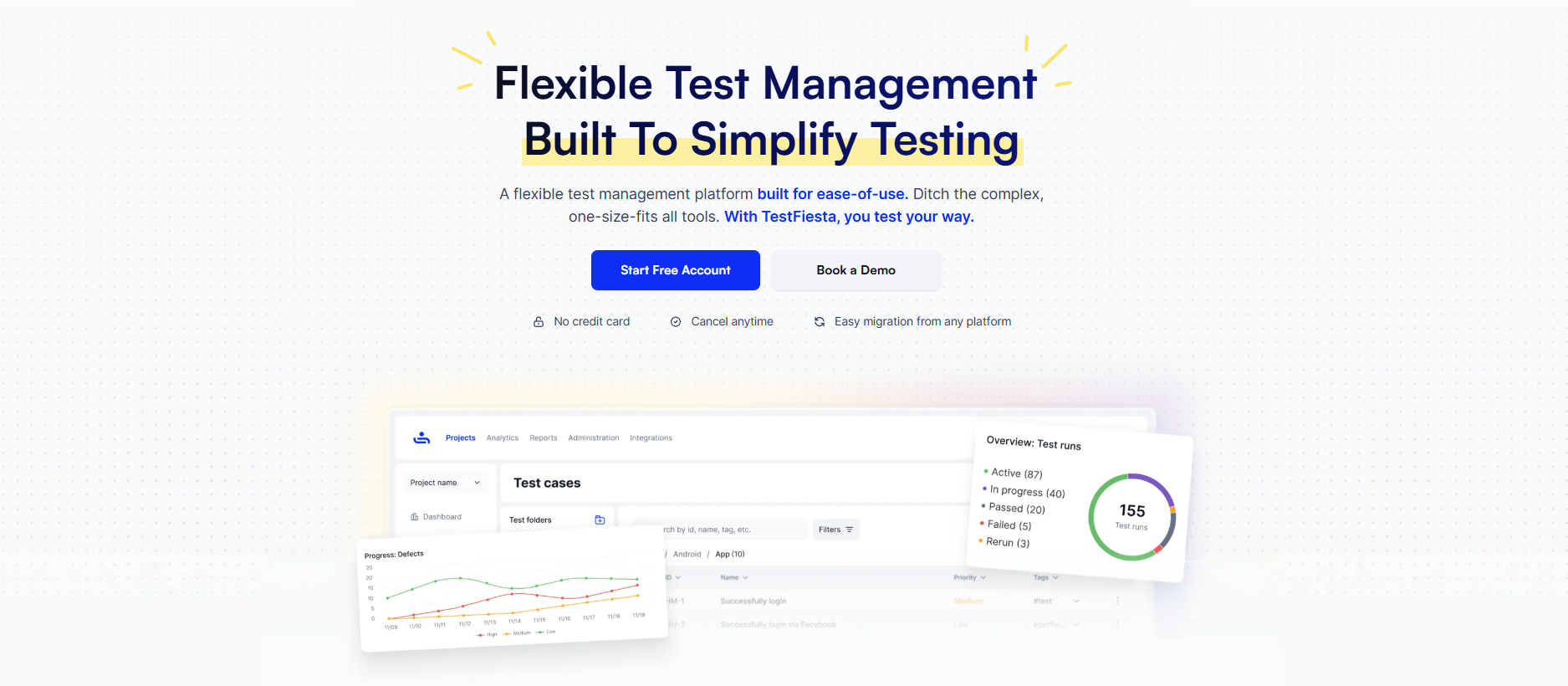
TestFiesta is a flexible, AI-powered test management platform designed to simplify and streamline how QA teams organize, execute, and report on software testing. It is built with modular workflows that deliver true flexibility with reusable elements and real-time collaborations across teams.
Key features
- Flexible test case management with reusable templates and configurations, universal tagging, shared steps, folders, custom fields, and a configuration matrix.
- It can replace Jira-based workflows with native defect tracking and management.
- Integrated with Jira, GitHub, and CI/CD pipelines.
- Supports migration from any platform within minutes.
- Impactful custom reporting with comprehensive dashboards and widgets.
Pros
- Combines test case management, defect tracking, and reporting in one platform.
- Flexible features that can adapt to your entire workflow.
- The configuration matrix allows you to perform a test one time across 100+ environments with zero duplication.
- AI Copilot supports test case generation with expanded context, attachments, reading and analyzing capabilities, and continuous improvement.
- Affordable, straightforward pricing for scalable teams.
Cons
- Still in the early phase for automation frameworks and DevOps workflows.
- The free version is limited to solo users.
Best for
QA teams of all sizes that are tired of heavily structured legacy systems and want a flexible tool that can adapt to their workflows. Ideal for hybrid, manual, and automated testing with centralized management, execution, visibility, requirement traceability, custom reporting, and defect management.
Pricing
- Free plan available for solo users.
- $10 per user/month for organizations, all features included + a 14-day trial period.
Ideal for
- Small to mid-sized QA teams tired of structured legacy systems.
- Teams wanting to leave behind spreadsheet-based workflows without paying hefty costs.
5. TestRail
Overview
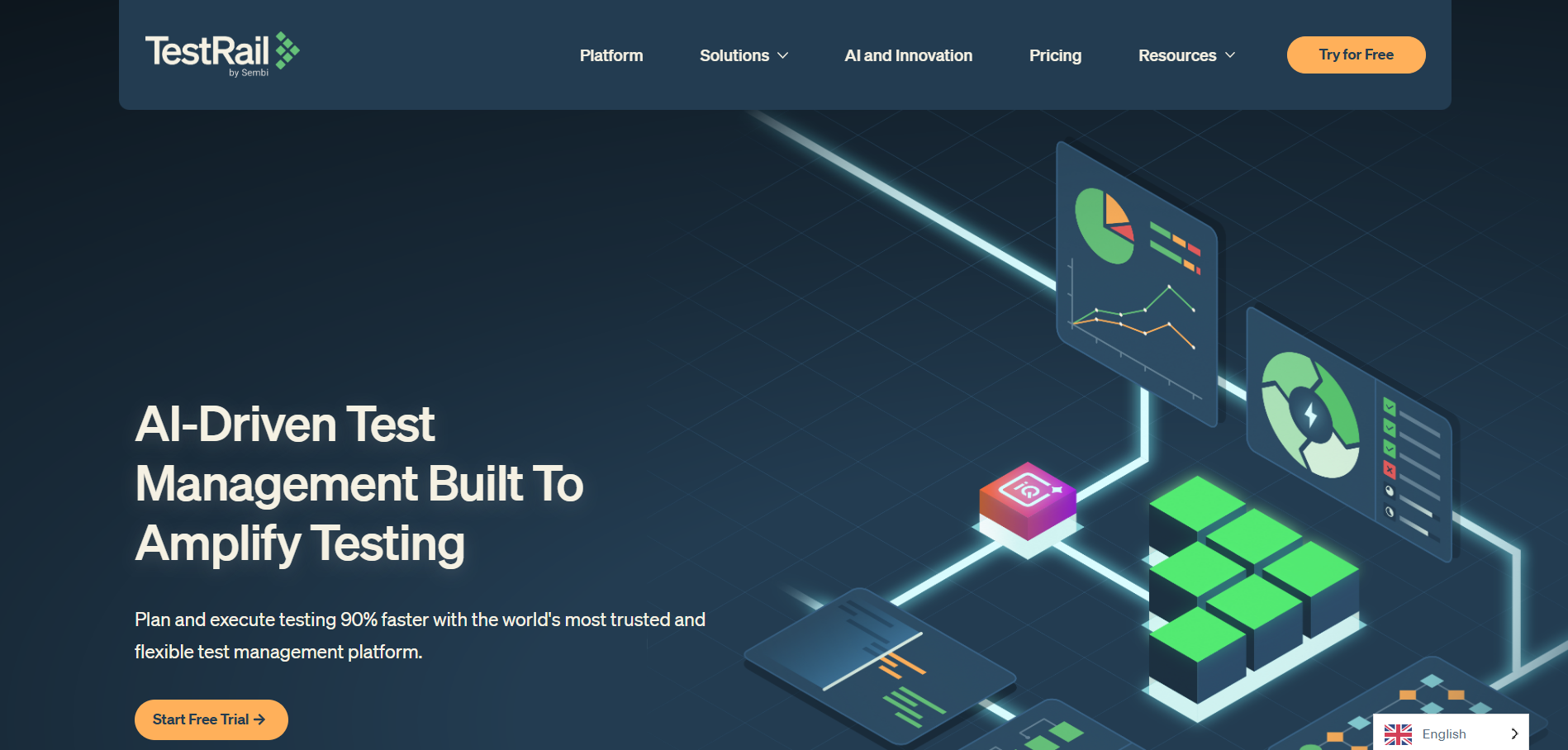
TestRail is a mature, widely-adopted test case management platform focused on organizing test cases, planning test runs, tracking execution, and producing dashboards and reports.
Key features
- Centralized test case repository with rich metadata.
- Test plans, milestones, and run scheduling.
- Customizable reports, dashboards, and metrics.
- Automation integration via API and adapters (report automation results).
- Integrations with Jira, GitHub, Jenkins, and other developer tools.
Pros
- Stable, enterprise-grade product with a well-designed UX for test management.
- Excellent reporting capabilities and configurable dashboards for managers and engineers.
- Strong integration ecosystem and APIs for connecting automation and CI/CD pipelines.
- Flexible enough to support manual, exploratory, and automated workflows in the same system.
Cons
- TestRail focuses on test case lifecycle and reporting — it intentionally delegates defect tracking to specialized issue trackers (e.g., Jira).
- License or subscription costs can be significant for large teams; smaller teams may find it pricey.
- On-premise/self-hosted deployments require maintenance.
Best for
QA teams need a reliable, scalable test case management platform with strong reporting and automation integration.
Pricing
SaaS per-user subscription or self-hosted licensing; exact quotes from vendor.
Ideal for
Small to enterprise QA teams wanting structured test cases and release management.
6. AIO Tests
Overview
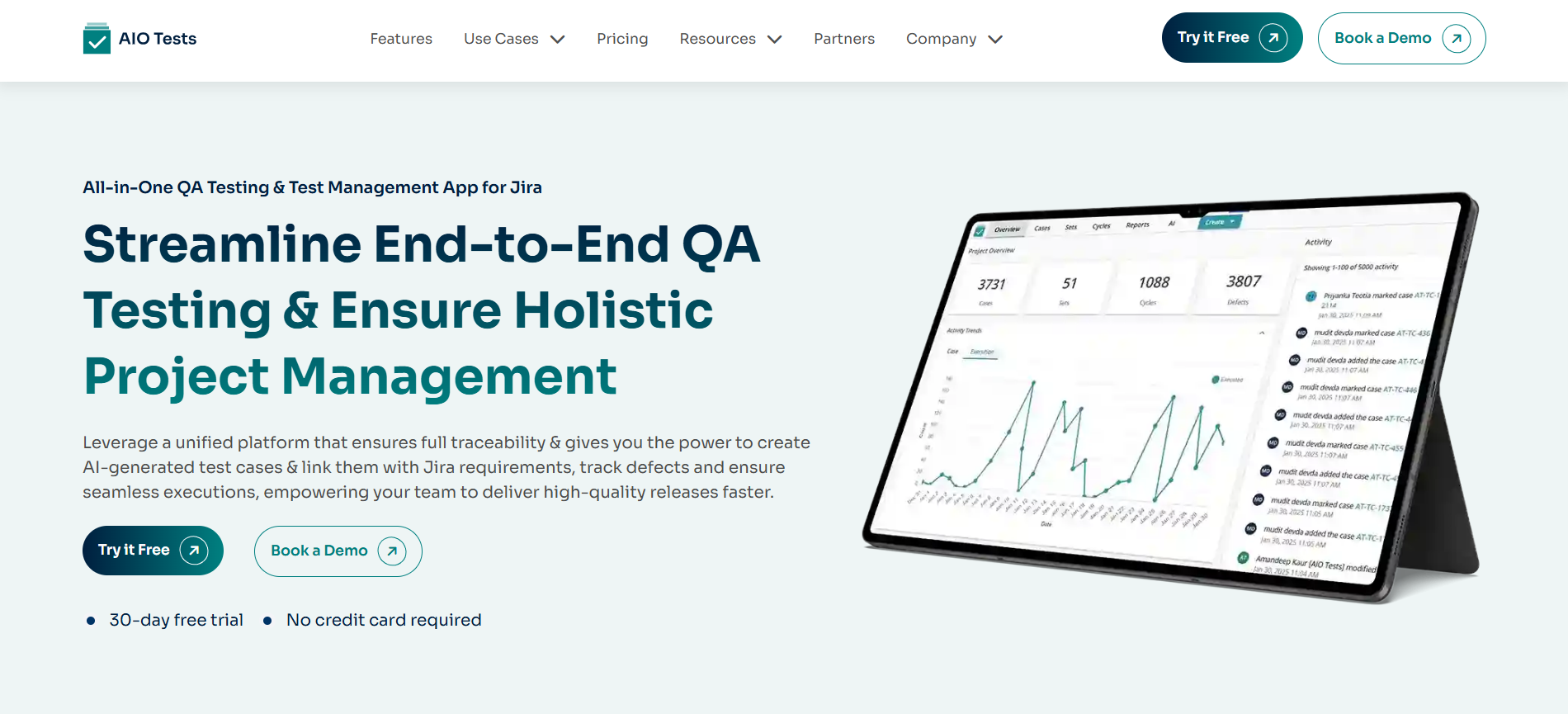
AIO Tests (variously marketed as AIOtests or AIO Tests) is a newer entry emphasizing AI-assisted test authoring and management, often targeting BDD and manual/automated hybrid workflows.
Key features
- AI/ML features for test case generation and suggestions.
- BDD support and natural-language test authoring.
- Test repository and run management.
- CI/CD and automation framework integrations.
Pros
- Can speed up test creation via AI suggestions or templating.
- Helpful for teams adopting BDD or who want to convert requirements into test artifacts.
- Modern UX aimed at reducing friction for non-technical stakeholders.
Cons
- As a newer product, the ecosystem (integrations, plugins) may be smaller than legacy platforms.
- AI features deliver the best value when the team invests time to configure and tune them.
- Enterprise features like advanced governance or compliance may be limited.
Best for
Agile teams that want AI-assisted test creation and BDD-friendly test management to speed up test authoring.
Pricing
SaaS subscription contact vendor for plans.
Ideal for
Small to mid-sized teams adopting AI/BDD in testing.
7. Qualflare
Overview
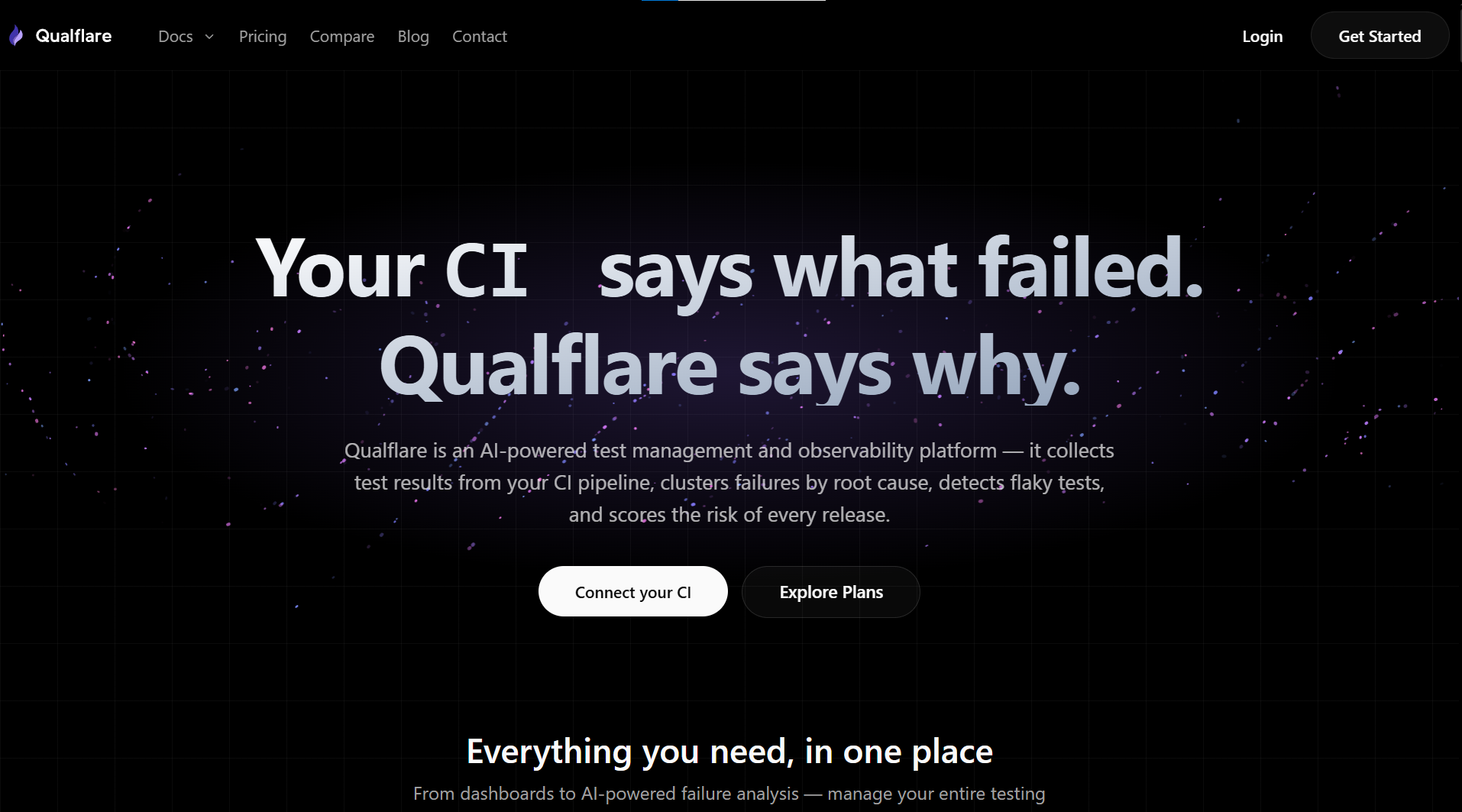
Qualflare is an AI-native test management and observability platform. Teams organize test cases under workspaces, projects, and suites, then bring in automated results via a CLI that supports 23 frameworks (Playwright, pytest, Cypress, Jest, JUnit, and more). Every run becomes a "launch," and Qualflare's AI layer clusters failures by root cause, scores flaky tests from history, and rates each launch's release risk.
Key features
- Full manual test hierarchy: workspaces, projects, suites, test cases, shared steps, test plans
- CLI-based result collection across 23 frameworks, with automatic framework detection
- AI Launch Analysis: per-launch risk level (low/medium/high/critical) with recommendations
- Failure Clusters: AI-grouped failures with root-cause analysis and severity
- Flaky test detection with historical flakiness scoring
- Environments (Dev/Staging/Production) as scoped, named targets
- Defect tracking with bidirectional Jira sync
- Quo Agent: AI assistant for coverage gaps, case suggestions, and step generation
- Claude Code plugin for generating, running, and auto-fixing tests from inside a coding session
- Audit logs and role-based users for workspace governance
Pros
- Combines manual test-case structure with AI-driven analysis of automated results in one tool
- Flaky detection and risk scoring are based on run history, not a single pass/fail
- Free Starter tier includes AI analysis (1 project, 100 test reports/month)
- Claude Code integration is a genuine differentiator for AI-assisted dev workflows
Cons
- Cloud-only, no self-hosted option
- Newer product; smaller ecosystem and community than legacy tools like TestRail
- Full breadth of third-party integrations beyond Jira and major CI providers isn't fully documented publicly
Best for
Teams that want manual test-case organization and AI-driven analysis of automated CI results in the same platform, rather than stitching together a separate test-case manager and a results dashboard.
Pricing
Free Starter plan (1 project, 100 test reports/month, AI analysis included). Paid plans start at $16/user/month, billed annually.
Ideal for
Growing engineering teams running Playwright, Cypress, or pytest suites in CI who want flaky-test detection, failure clustering, and release-risk scoring without maintaining a separate self-hosted tool.
8. TestMonitor
Overview
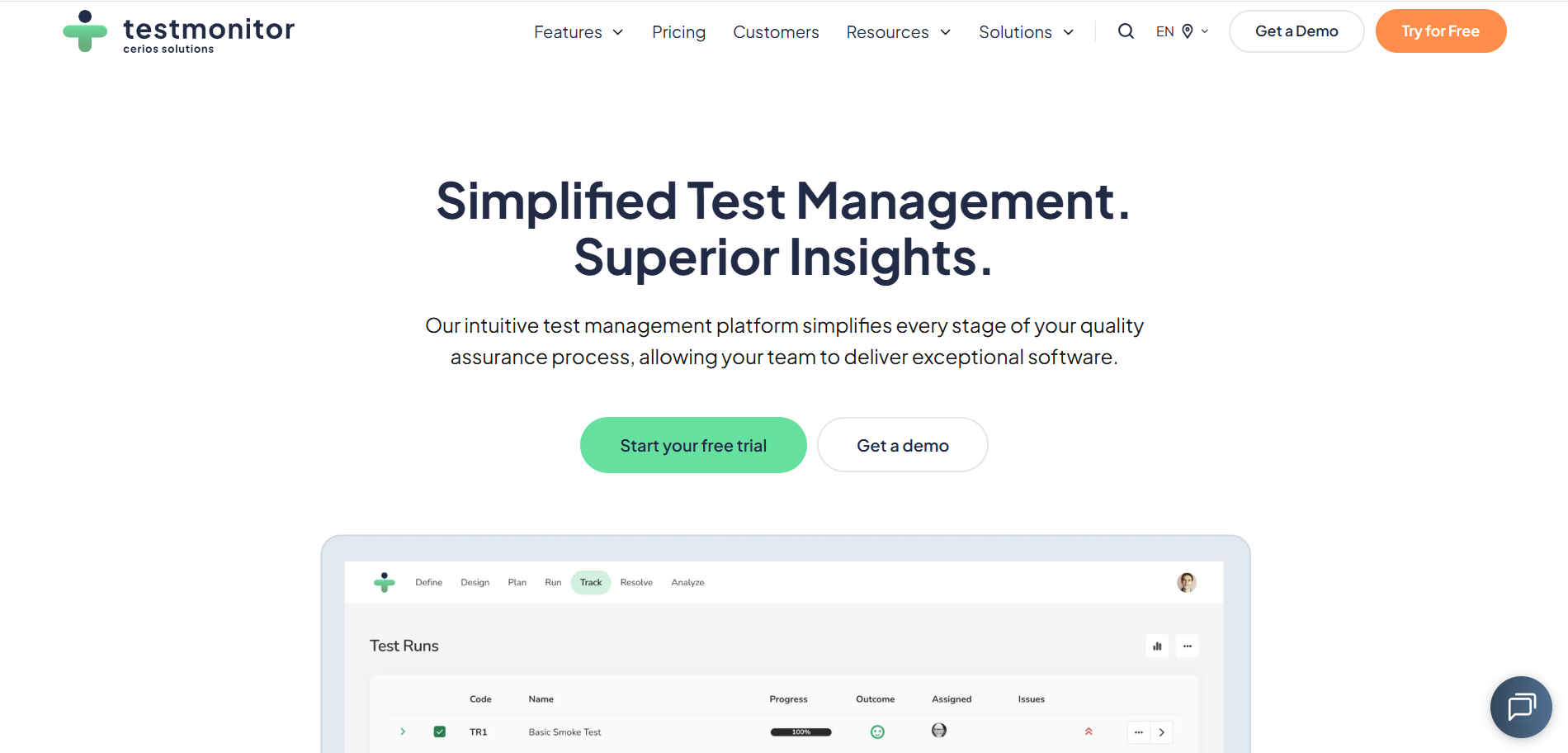
TestMonitor is an enterprise test management SaaS focusing on structured QA programs, test planning, risk-based testing, and enterprise reporting.
Key features
- Test planning, execution, and sign-off workflows.
- Risk-based testing modules and traceability.
- Customizable dashboards and executive reports.
- Collaboration features and external stakeholder reporting.
- Integrations with issue trackers and CI/CD.
Pros
- Strong fit for organizations that need formal QA governance and risk management.
- Enterprise reporting suitable for compliance and audits.
- Useful collaboration features for cross-functional stakeholders (product, QA, business).
Cons
- Pricing and complexity aimed at larger organizations can be overkill for small teams.
- Customization options add implementation time.
- Less focused on individual developer workflows compared with tools that embed in code platforms.
Best for
Organizations that require structured, auditable QA processes with risk-based testing and executive-level reporting.
Pricing
Quote-based enterprise SaaS.
Ideal for
Regulated industries and mid-to-large QA programs.
9. Xray
Overview
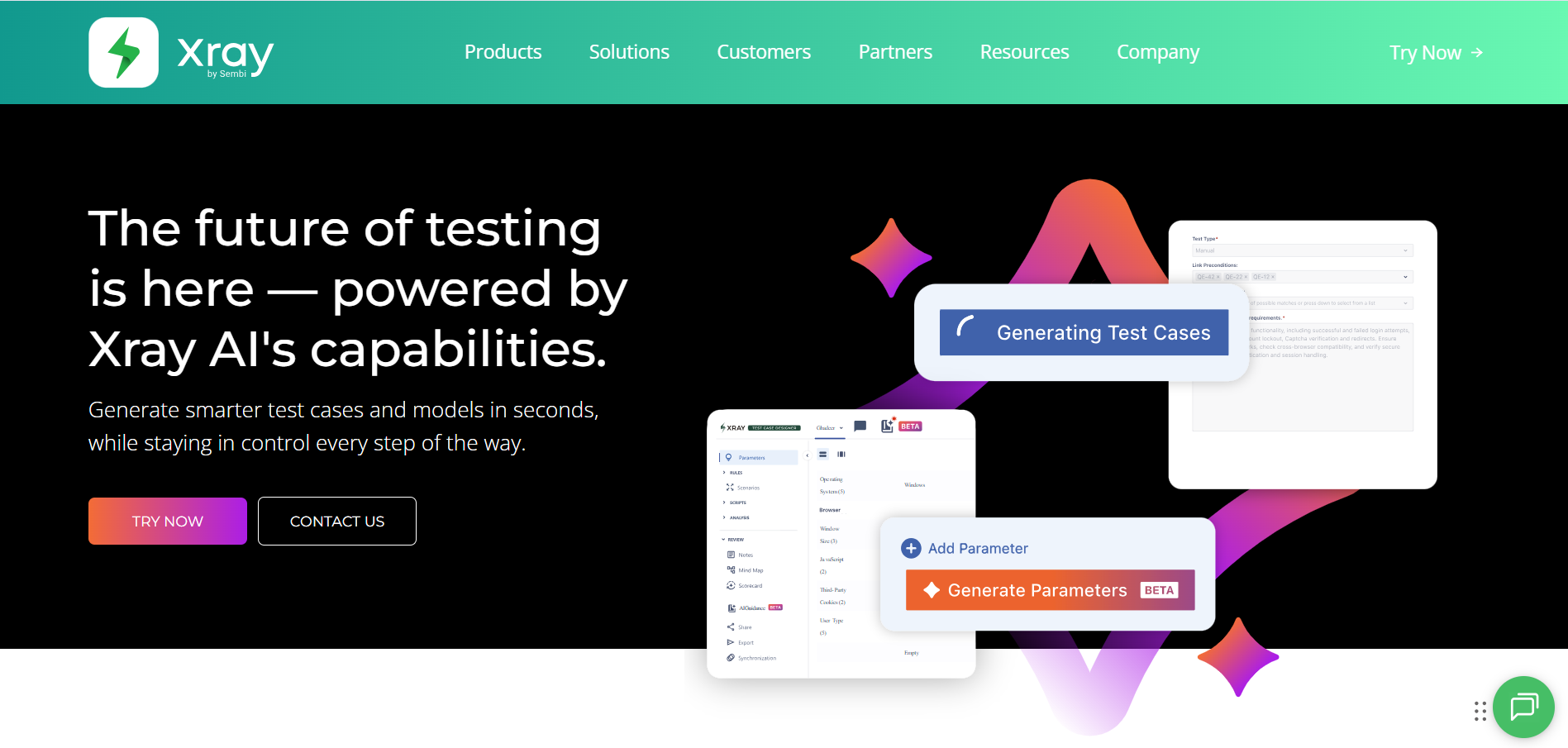
Xray is a test management app that runs inside Jira and supports manual, automated, and BDD testing with strong traceability between Jira issues and test artifacts.
Key features
- Test case management is embedded in Jira as custom issue types.
- Support for automated test result import and mapping.
- Cucumber / BDD support and test coverage metrics.
- Traceability matrices and reports within Jira.
Pros
- Deep, native Jira integration simplifies linking requirements, stories, and defects to tests.
- BDD support helps teams practicing specification by example.
- Can import automation reports and show test coverage directly in Jira dashboards.
Cons
- Advanced analytics and cross-project aggregation at scale may require extra apps or custom dashboards.
- Users must be comfortable with Jira concepts and administration.
- Licensing is per Jira user and can add up for large user bases.
Best for
Agile and DevOps teams using Jira who want full traceability between requirements, test cases, automation, and defects.
Pricing
Atlassian Marketplace pricing (per user); enterprise options available.
Ideal for
Jira-native Agile teams and organizations using BDD.
10. qTest
Overview
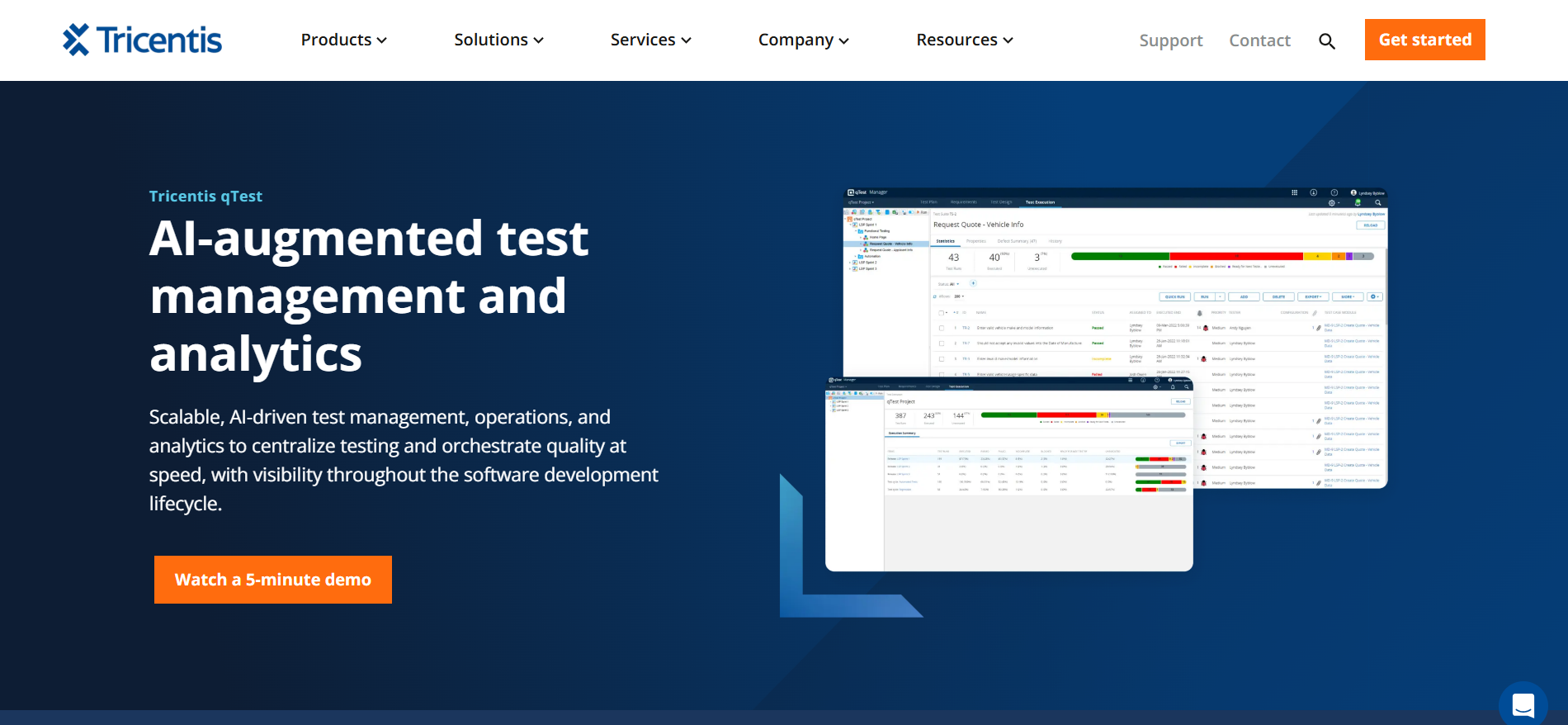
qTest (now part of Tricentis) is an enterprise test management platform designed for large QA organizations with strong needs for automation integration, scalability, and DevOps alignment.
Key features
- Central test repository and test run management.
- Deep integration with automation frameworks and CI/CD tools.
- Robust reporting, dashboards, and analytics.
- Test environment and release management features.
- Traceability to requirements and defects.
Pros
- Enterprise-grade scalability and governance.
- Strong integration story for automation and DevOps tooling.
- Built with performance and complex reporting for large QA programs.
Cons
- Relatively high cost; oriented toward enterprise budgets.
- Implementation and training can be significant for full feature adoption.
- Maybe more than needed for small teams.
Best for
Large enterprises running complex automation pipelines and needing centralized QA governance and advanced analytics.
Pricing
Enterprise licensing / quote-based; contact Tricentis for details.
Ideal for
Enterprises and large engineering organizations.
11. TestGear
Overview
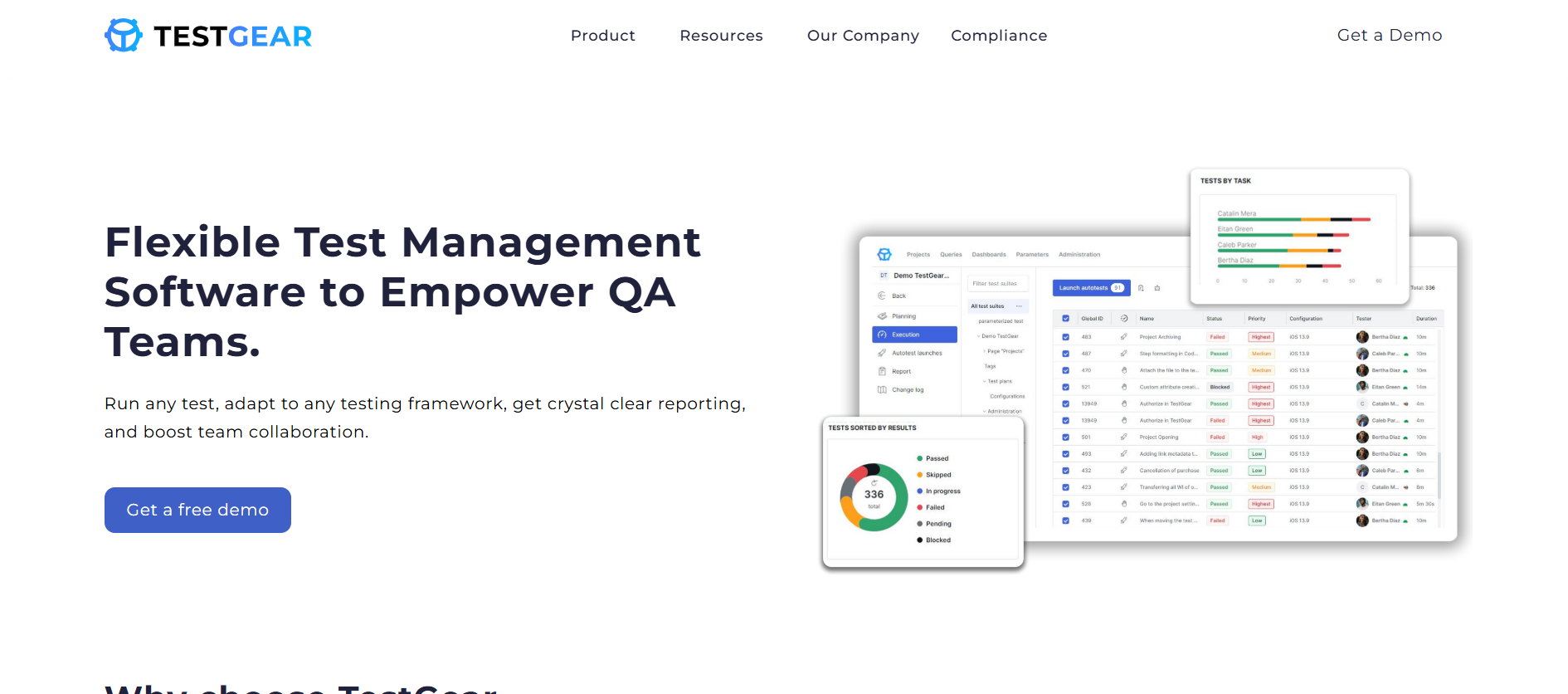
TestGear is a modern test management solution emphasizing orderly test repositories, clear execution flows, and integrations with automation tools.
Key features
- Test case management and versioning.
- Test run orchestration and execution tracking.
- Dashboards and reports.
- Integration points for CI and automation frameworks.
Pros
- Clear, focused feature set is good for growing QA teams.
- Simpler onboarding compared with larger enterprise tools.
- Good for teams who want structured test case management without heavy complexity.
Cons
- Smaller ecosystem and fewer plug-ins vs leading market players.
- Fewer advanced features like AI insights, risk-based selection, or enterprise governance.
Best for
Growing QA teams that want structured test case management with simple automation integration and clean workflows.
Pricing
SaaS subscription plans; contact vendor.
Ideal for
Growing QA teams and engineering groups.
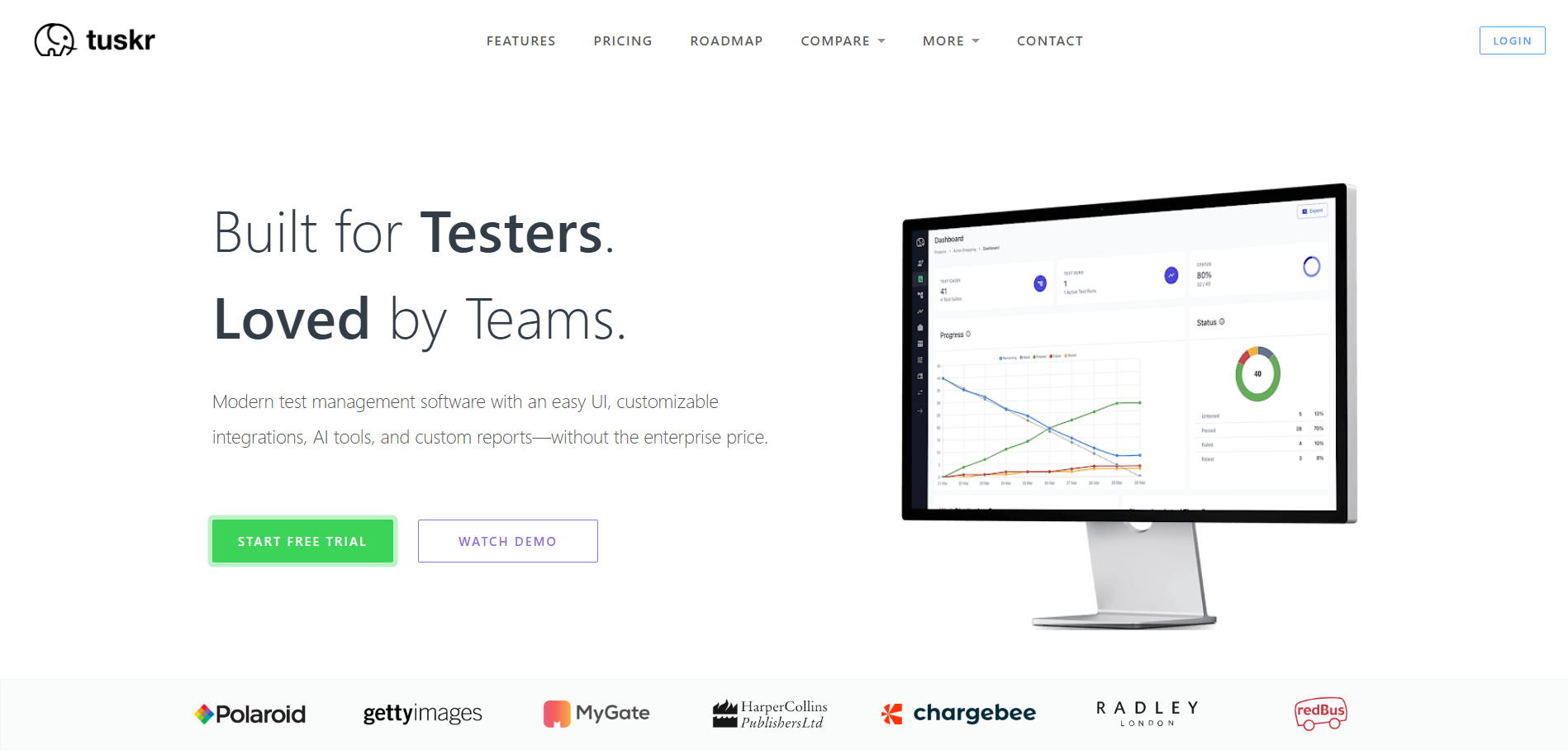
12. Tuskr
Overview
Tuskr (sometimes stylized Tuskr.app) is a lightweight, modern test management app focused on fast test case creation, clean UI, and ease of collaboration.
Key features
- Rapid test case authoring and bulk editing.
- Test runs and results tracking.
- Basic automation integration and webhooks.
- Simple reporting and exports.
Pros
- Fast onboarding and minimal friction for teams that just want to manage test cases.
- Thoughtful UX for day-to-day QA tasks.
- Affordable and suitable for growing teams.
Cons
- Not designed for enterprise-level analytics or deep ALM.
- The integration set is smaller compared with TestRail or qTest.
Best for
Startups and small development teams that need a fast, easy-to-use test management tool with minimal setup.
Pricing
Subscription SaaS with tiered plans.
Ideal for
Small to medium teams and product teams practicing lightweight QA.
13. TestLodge
Overview
TestLodge is a straightforward, web-based tool focused on manual test case management, test runs, and simple reporting; it’s targeted at small teams and non-enterprise use.
Key features
- Test plans, test cases, and test run management.
- Integration with common issue trackers (Jira, GitHub, Bugzilla, etc.).
- Test run reporting and Pass/Fail summaries.
- Simple templates and export options.
Pros
- Extremely easy to pick up and configure; minimal learning curve.
- Very affordable pricing for small teams.
- Clear focus on manual QA workflows.
Cons
- Weak automation reporting and integration capabilities compared with more modern tools.
- Not built for large projects with complex QA governance needs.
Best for
Manual testing teams that want a simple, affordable platform for managing test cases and test runs.
Pricing
Subscription tiers with free trials.
Ideal for
Small teams and manual QA workflows.
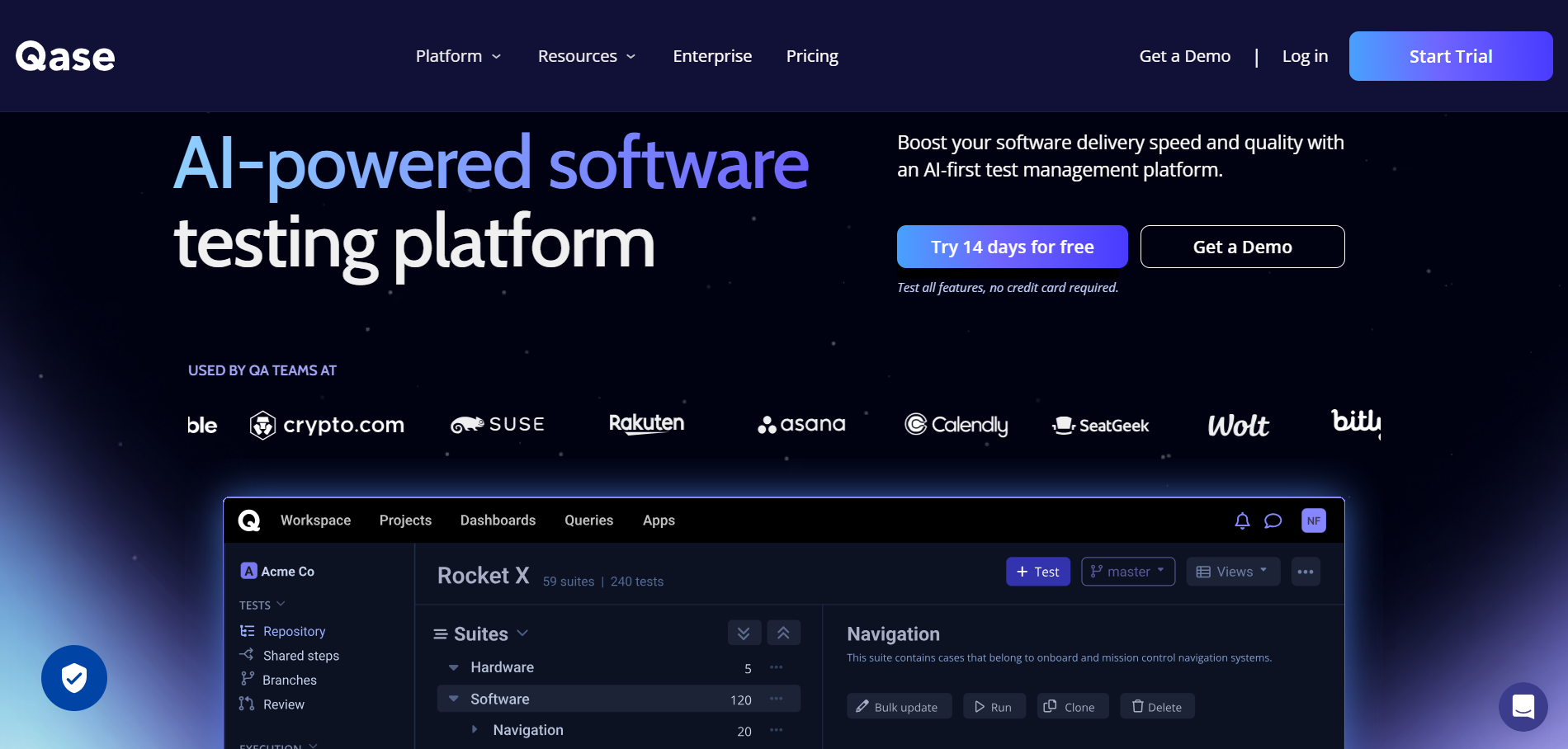
14. Qase
Overview
Qase is a modern, cloud-first test management system that balances simplicity with automation integrations; it offers a freemium tier and paid plans for growing teams.
Key features
- Test case repository, runs, and plans.
- CI/CD and automation integration (webhooks, APIs).
- Reporting, dashboards, and history logs.
- Integrations with issue trackers and VCS.
Pros
- Clean UX and rapid setup for teams adopting CI/CD.
- The Freemium tier allows small teams to evaluate and adopt.
- Good API support for automation pipelines.
Cons
- Advanced enterprise reporting and governance features are less mature than legacy enterprise tools.
- Smaller enterprise ecosystem and third-party integrations.
Best for
Modern QA teams adopting CI/CD who want lightweight test management with strong automation support.
Pricing
Freemium + paid tiers; per-user pricing model.
Ideal for
Growing development teams and small QA organizations.
15. QMetry Test Management

Overview
QMetry is a feature-rich test management platform with modules for test planning, automation management, and analytics it also markets AI-driven features for test optimization.
Key features
- Test management and execution tracking.
- Automation orchestration and reporting.
- Test coverage and traceability dashboards.
- AI/ML features for test recommendations and defect prediction.
- Integrations with Jira, CI/CD, and other ALM tools.
Pros
- Strong focus on bridging manual and automated testing at scale.
- Good analytics and reporting for release readiness.
- AI features that can help prioritize test suites and reduce redundant tests.
Cons
- Enterprise pricing and setup complexity.
- Learning curve for teams new to integrated enterprise test management solutions.
Best for
Agile and DevOps organizations that want AI-powered test optimization with enterprise-scale automation management.
Pricing
Quote-based; SaaS or enterprise offerings.
Ideal for
Mid to large QA teams and DevOps organizations.
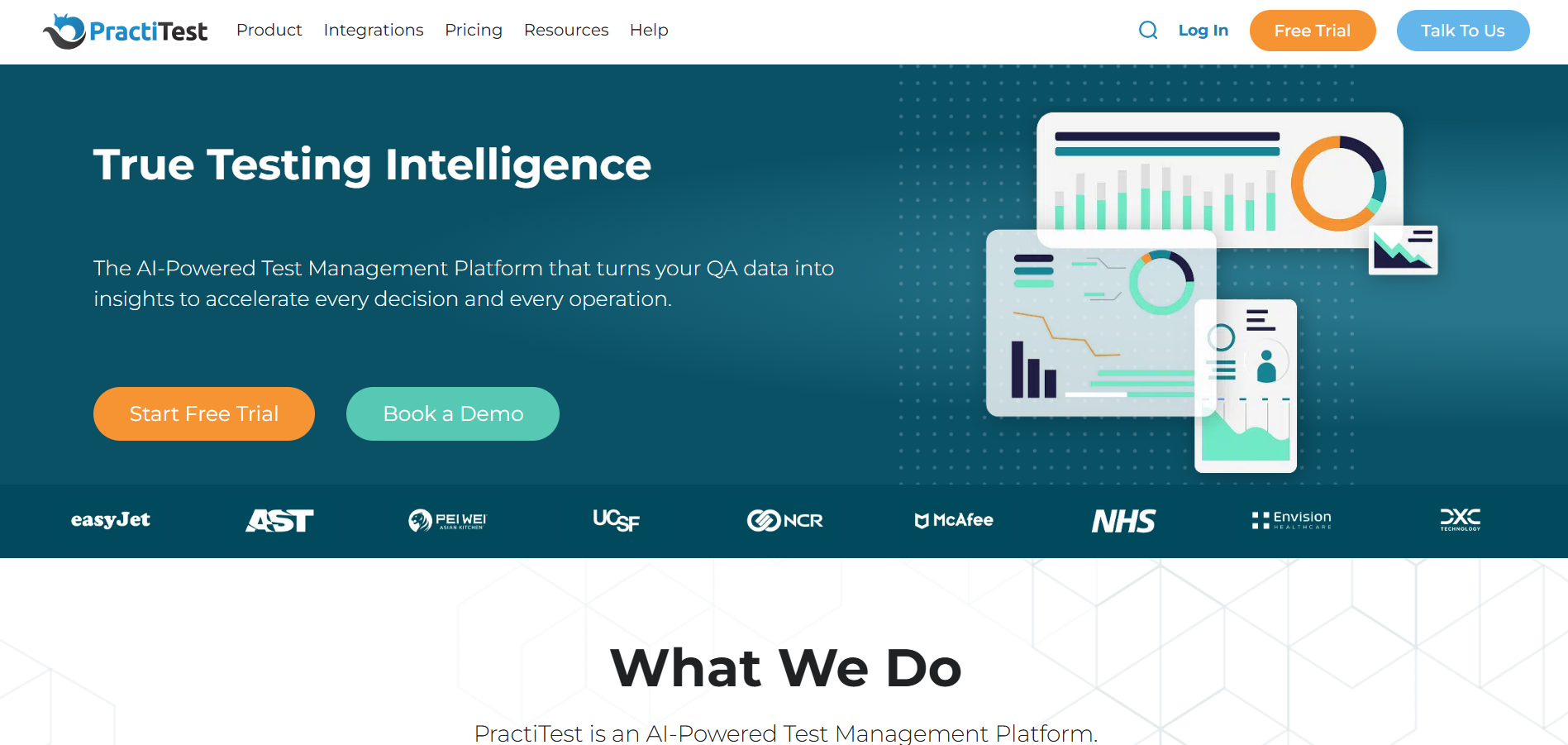
16. PractiTest
Overview
PractiTest is a cloud-based end-to-end test management platform that emphasizes visibility, custom dashboards, and a data-centric approach to QA.
Key features
- Centralized test repository and requirement/test/issue traceability.
- Custom dashboards, filters, and views for stakeholders.
- Automation result ingestion and API access.
- Powerful filtering and cross-project analytics.
Pros
- Outstanding visibility and flexible reporting for managers and QA leads.
- Good support for combining manual and automated testing workflows.
- Strong API and integrations enable automation of reporting tasks.
Cons
- Pricing can be relatively high for small teams.
- Users report a learning curve when configuring advanced dashboards.
Best for
QA teams that need strong visibility, analytics, and traceability across multiple projects and test types.
Pricing
Subscription SaaS (tiered); free trial available.
Ideal for
Mid-size and enterprise QA teams that value reporting and traceability.
17. TestCollab
Overview
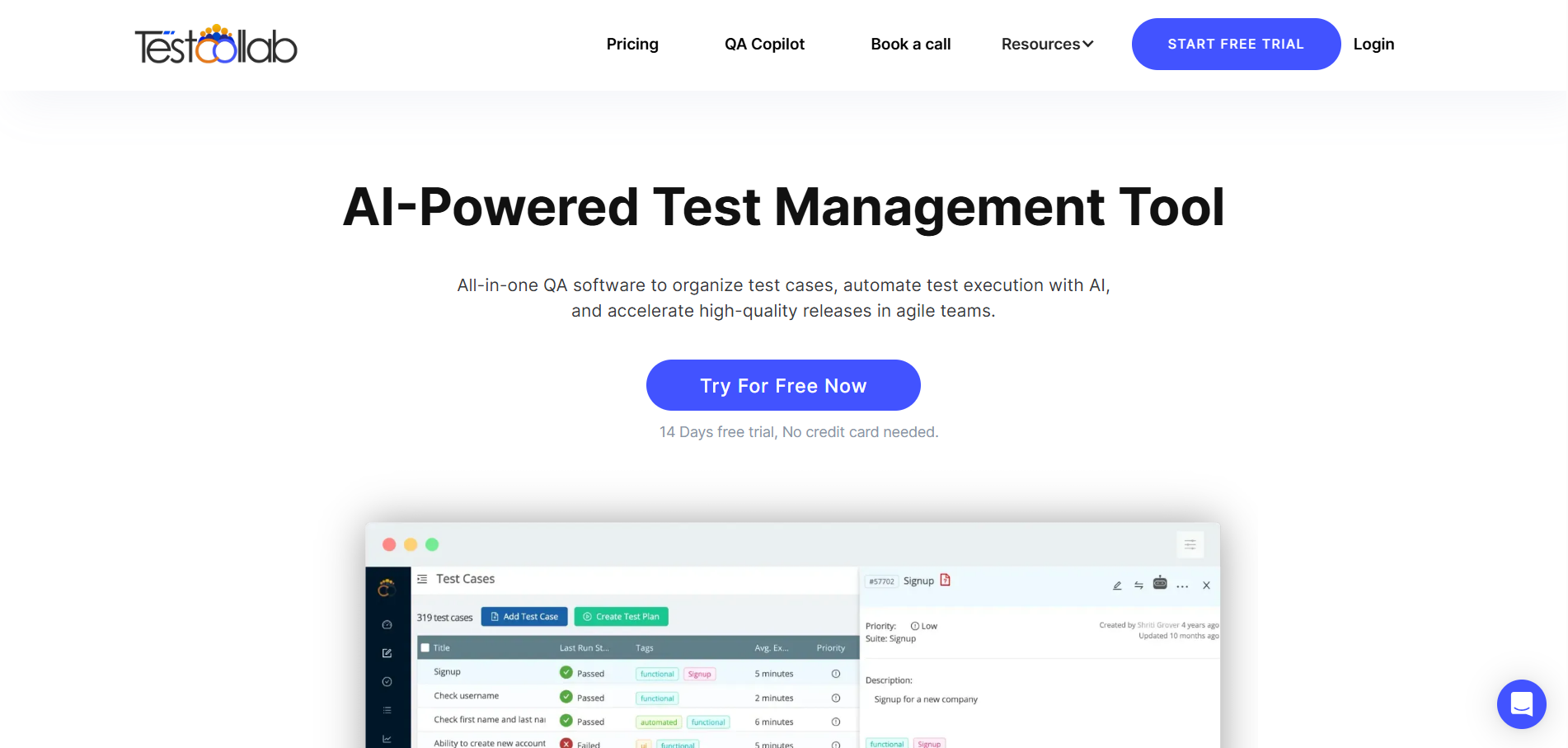
TestCollab is a collaborative test management platform designed to support distributed teams through shared repositories, reporting, and CI/CD links.
Key features
- Test case and suite management.
- Integration with automation and CI systems.
- Real-time collaboration and reporting.
- Time tracking and test effort metrics.
Pros
- Collaboration features make it useful for remote teams.
- Lightweight and approachable; useful for teams that need both manual and automation traceability.
- Affordable price points for smaller teams.
Cons
- Fewer advanced analytics and enterprise governance features than the big vendors.
- Smaller market presence and ecosystem.
Best for
Distributed and remote QA teams that need collaborative test management with automation integrations.
Pricing
Subscription tiers; contact sales teams for more details.
Ideal for
Remote engineering teams and small to mid-sized QA groups.
18. Inflectra SpiraTest

Overview
SpiraTest is Inflectra’s ALM product, providing a full lifecycle platform that includes requirements, test management, and defect tracking, essentially an all-in-one ALM solution.
Key features
- Requirements management, test case repository, and defect tracking in one system.
- Traceability across artifacts and release management.
- Automation integration and plugin support.
- Compliance reporting and audit trails.
Pros
- End-to-end traceability across requirements→tests→defects — reduces toolchain fragmentation.
- Strong compliance and audit reporting capabilities for regulated environments.
- Can replace several separate tools with a unified ALM.
Cons
- More complex to set up and manage compared with single-purpose test managers.
- UI/UX can feel dated compared to modern SaaS competitors.
- Best value realized in mid-to-large deployments; small teams may find it heavyweight.
Best for
Organizations (especially regulated) that want a single ALM for requirements, tests, and defects.
Pricing
SaaS and on-prem licensing options; quote-based.
Ideal for
Enterprises, regulated industries, and teams want a unified ALM.
19. Aqua Test Management
Overview
Aqua (as marketed in some ecosystems) typically denotes a cloud-centric test management approach focused on simple, accessible test planning and execution for modern QA teams.
Key features
- Cloud-hosted test case repositories.
- Test runs and reporting.
- Basic CI integrations and exports.
- Lightweight dashboards.
Pros
- Cloud-first approach enables easy access and minimal setup.
- Good for teams migrating from spreadsheets into a managed system.
- Lower operational overhead.
Cons
- Fewer enterprise governance and advanced analytic features.
- Marketplace presence and third-party integrations are more limited.
Best for
Cloud-native teams that want an easy SaaS test management solution.
Pricing
SaaS subscription tiers; vendor contact for specifics.
Ideal for
Small to mid-size cloud engineering teams.
20. TestCaseLab
Overview
TestCaseLab is a simple, practical test case management application for organizing, executing, and reporting on tests.
Key features
- Test case and test suite organization.
- Test execution runs and status tracking.
- Export and import support.
- API for automation and integration.
Pros
- Clean design and straightforward workflow for day-to-day QA tasks.
- Quick to onboard and inexpensive compared to large enterprise tools.
- API allows linking automation for basic continuous reporting.
Cons
- Lacks advanced analytics and enterprise features.
- The integration ecosystem is limited compared to market leaders.
Best for
Teams that want a practical, no-friction test repository and execution tracker.
Pricing
Subscription plans; small-team friendly pricing.
Ideal for
Small and mid-sized QA teams.
21. Testuff
Overview
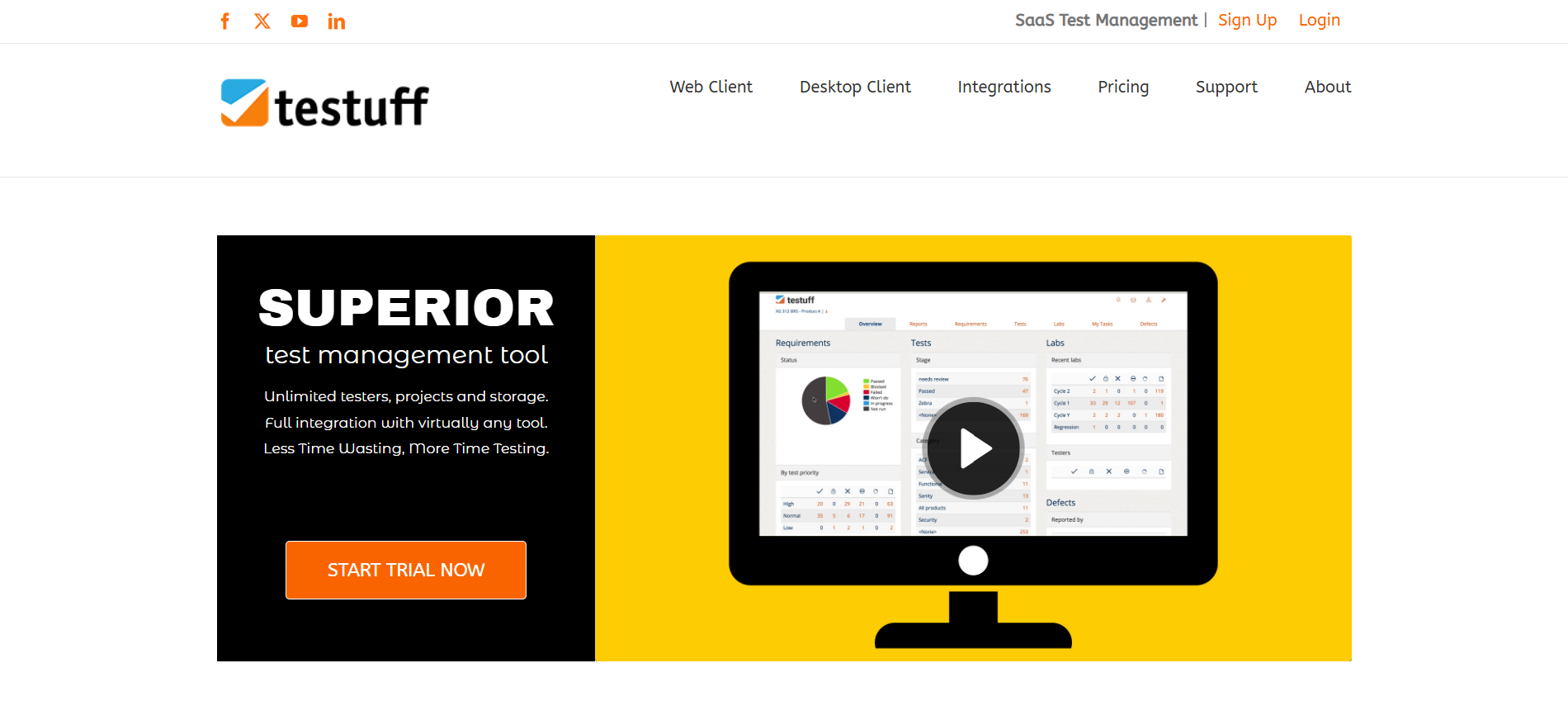
Testuff is a test management tool focused on test execution and evidence collection.
Key features
- Test execution tracking.
- Evidence and attachment management.
- Reporting and exports.
Pros
- Strong evidence collection for audits and compliance.
- Clear execution workflows.
- Useful for documentation-heavy testing.
Cons
- Limited integrations with CI/CD tools.
- Basic analytics and dashboards.
- UI is less modern.
Best for
Manual testing teams that require detailed evidence collection for audits and compliance.
Pricing
Subscription-based SaaS.
Ideal for
QA teams with audit requirements.
22. Testflo
Overview
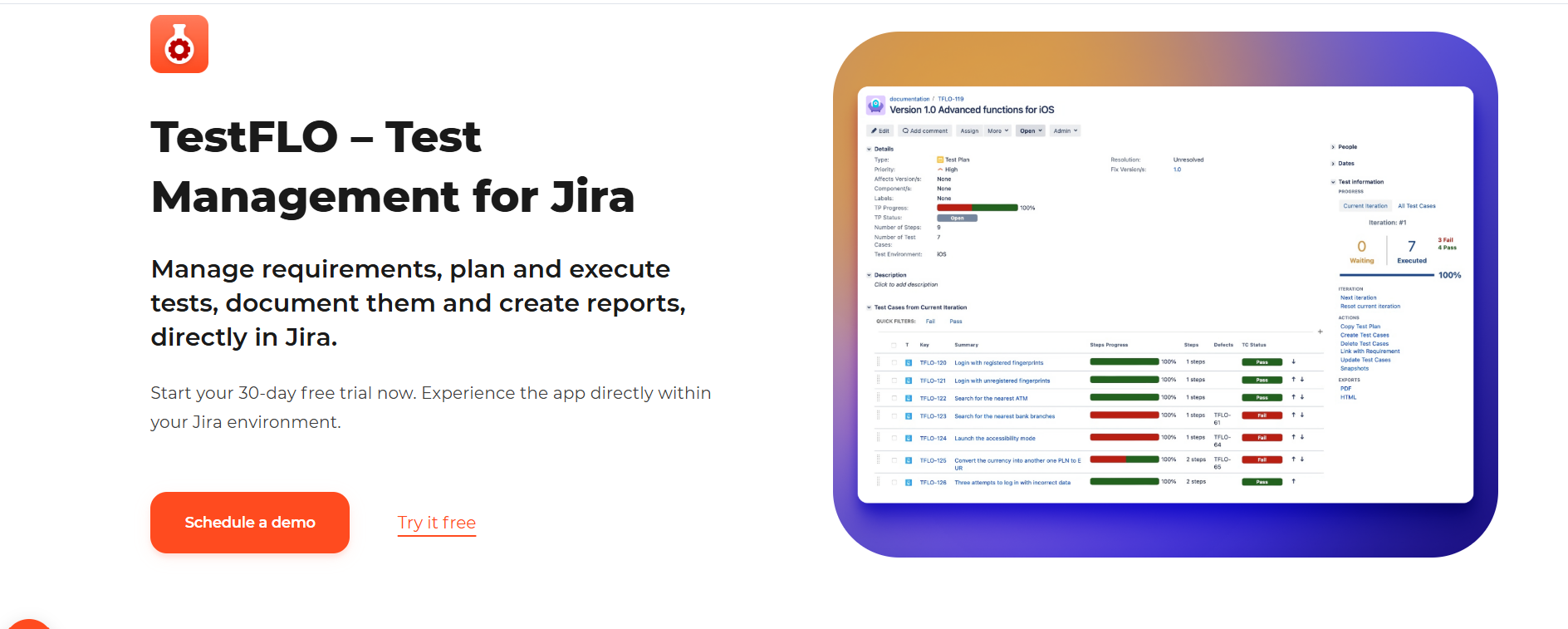
Testflo is an Atlassian Marketplace app that brings test management and execution into Jira, enabling test runs and traceability within Jira projects.
Key features
- Test runs and execution management inside Jira.
- Mapping of tests to Jira issues for traceability.
- Reporting and test execution gadgets for Jira dashboards.
- Integration with CI and automation output.
Pros
- No context switching, testers and developers remain in Jira.
- Good for teams that want test execution traceability without external tools.
- Familiar Jira permissions and workflows apply.
Cons
- Only relevant if your team uses Jira; outside Jira, its value is limited.
- Advanced analytics may require additional plugins or exports.
Best for
Teams that are fully embedded in Jira and want test tracking inside the same platform.
Pricing
Atlassian Marketplace pricing (per user).
Ideal for
Atlassian/Jira-centric teams.
23. ALM Octane (Micro Focus)
Overview
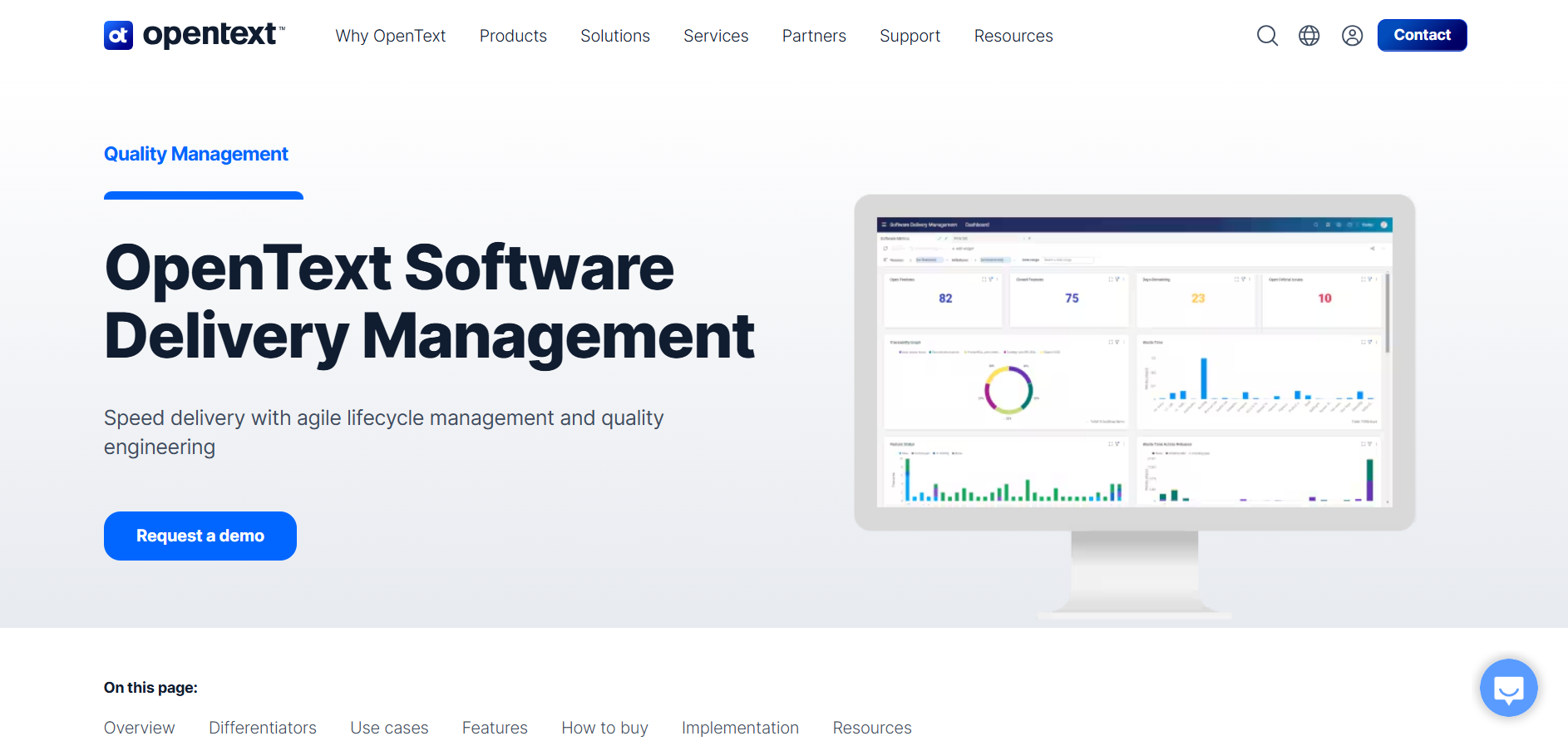
ALM Octane is a comprehensive enterprise lifecycle management solution from Micro Focus designed to support large-scale development and QA, with strong DevOps and governance capabilities.
Key features
- Requirements management, test, and release planning.
- Advanced analytics and KPI dashboards.
- DevOps toolchain integrations and release orchestration.
- Compliance and governance features for regulated environments.
Pros
- Scales to large portfolios and complex product suites.
- Strong governance, reporting, and compliance capabilities.
- Integrates across enterprise toolchains for end-to-end visibility.
Cons
- High cost and implementation complexity are typically associated with large enterprises.
- Requires dedicated admin and governance processes to get full value.
Best for
Large enterprises and regulated industries require strong lifecycle governance and metrics.
Pricing
Enterprise license; contact Micro Focus for quotes.
Ideal for
Large enterprise product organizations and regulated environments.
24. QADeputy
Overview
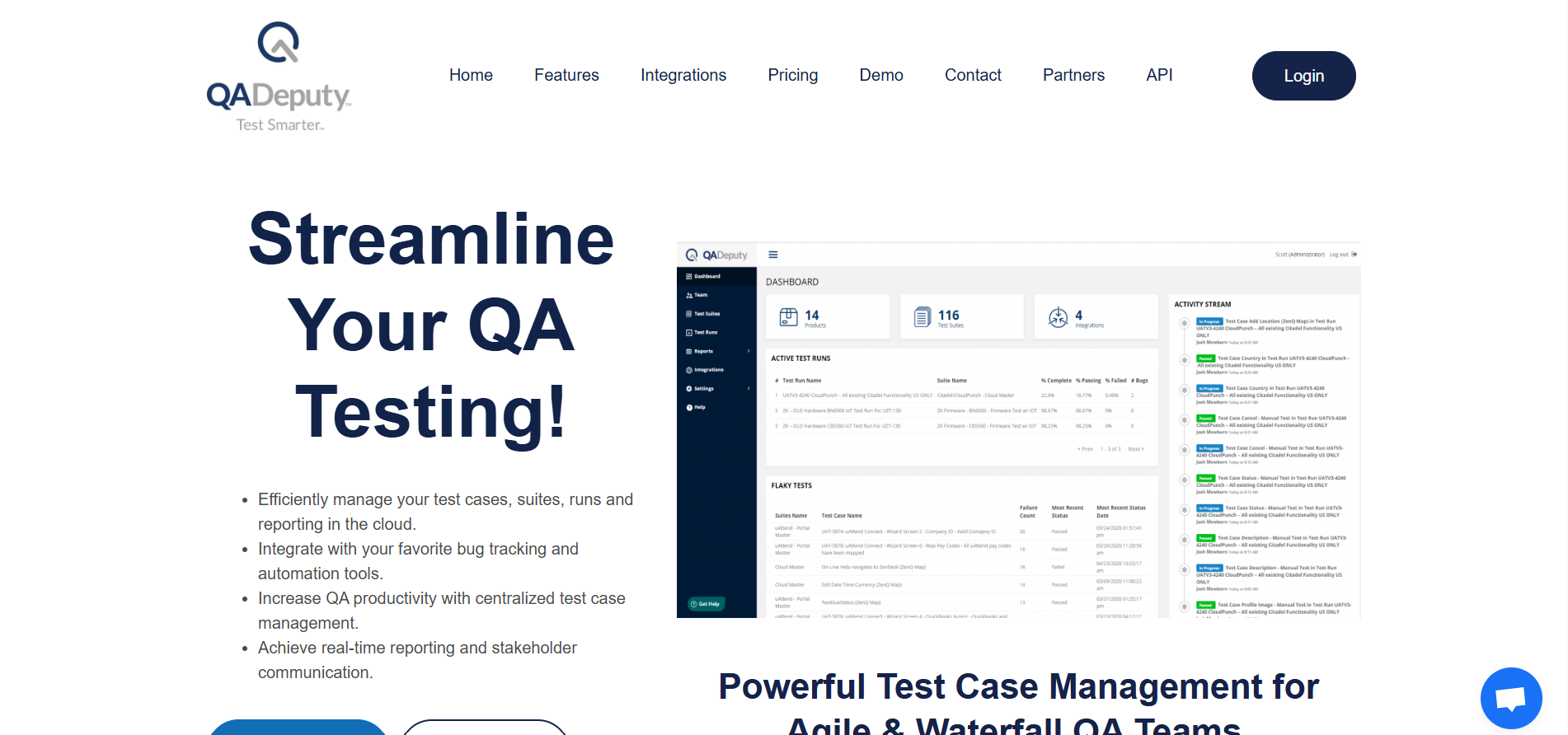
QADeputy is a lightweight, user-friendly test management tool designed to organize test cases, run test cycles, and provide simple reporting for small teams.
Key features
- Test case management and versioning.
- Test runs and execution tracking.
- Collaboration features and comments.
- Export and integration capabilities.
Pros
- Easy to adopt and cost-effective for small teams.
- Clean UI and low learning curve.
- Sufficient for manual testing workflows and simple automation reporting.
Cons
- Not feature-rich for enterprise needs (limited advanced analytics, governance).
- Integration is set at a smaller scale compared to large vendors.
Best for
Small teams and startups need a practical and affordable test management tool.
Pricing
Subscription tiers; vendor contact for the latest pricing.
Ideal for
Small QA teams, startups, and teams moving from spreadsheets.
25. Testpad
Overview
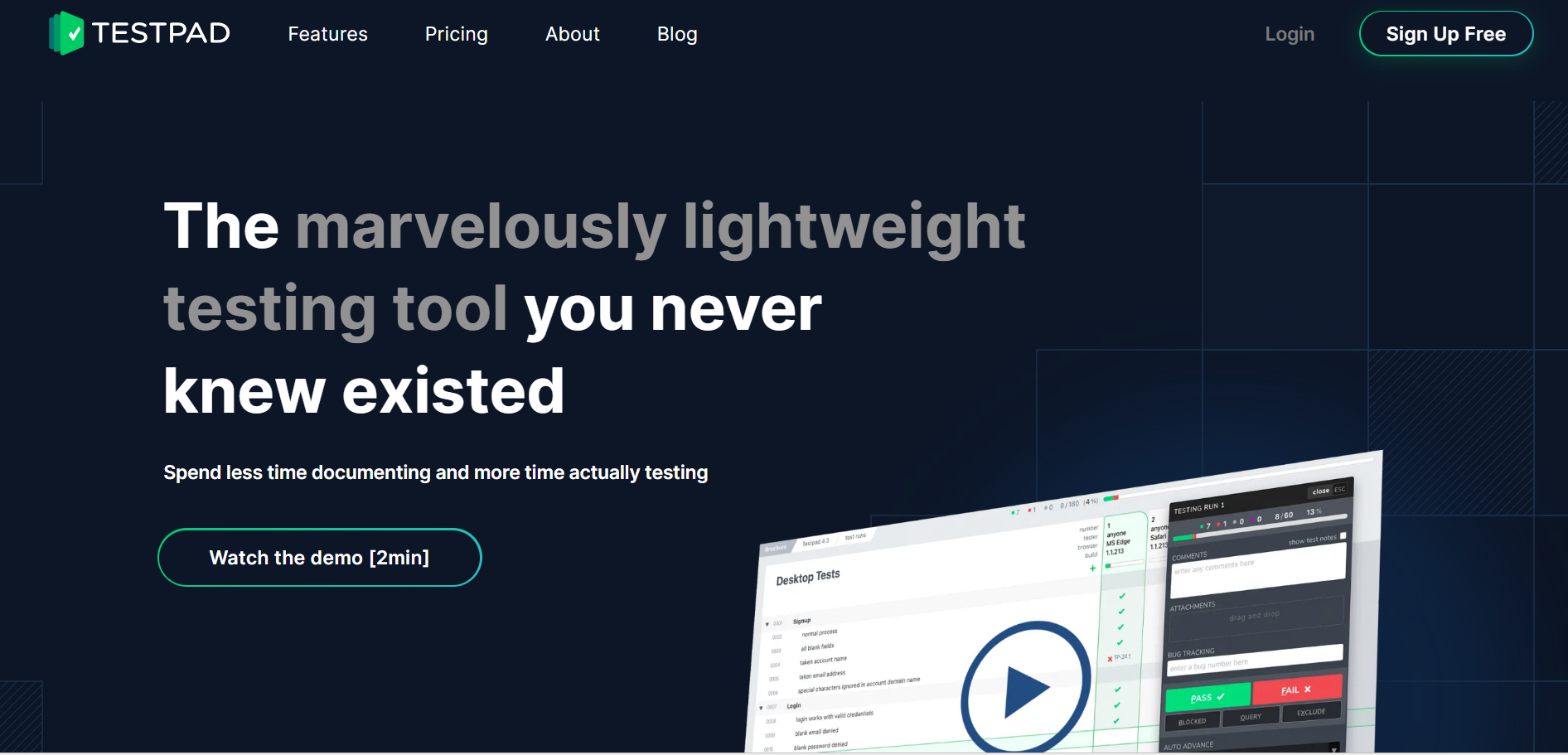
Testpad is a lightweight test management tool focused on checklist-based and exploratory testing rather than traditional scripted test cases.
Key features
- Checklist-based test planning.
- Exploratory and session-based testing support.
- Manual test execution tracking.
- Simple reporting and exports.
Pros
- Very easy to adopt with minimal setup and training.
- Encourages exploratory testing and flexible test execution.
- Low process overhead compared to enterprise tools.
Cons
- Not suitable for detailed, step-by-step test case documentation.
- Limited automation and CI/CD integrations.
- Reporting capabilities are basic.
Best for
Agile teams practice exploratory testing and lightweight QA workflows.
Pricing
Subscription-based SaaS.
Ideal for
Small teams and agile product teams.
26. QA Touch
Overview
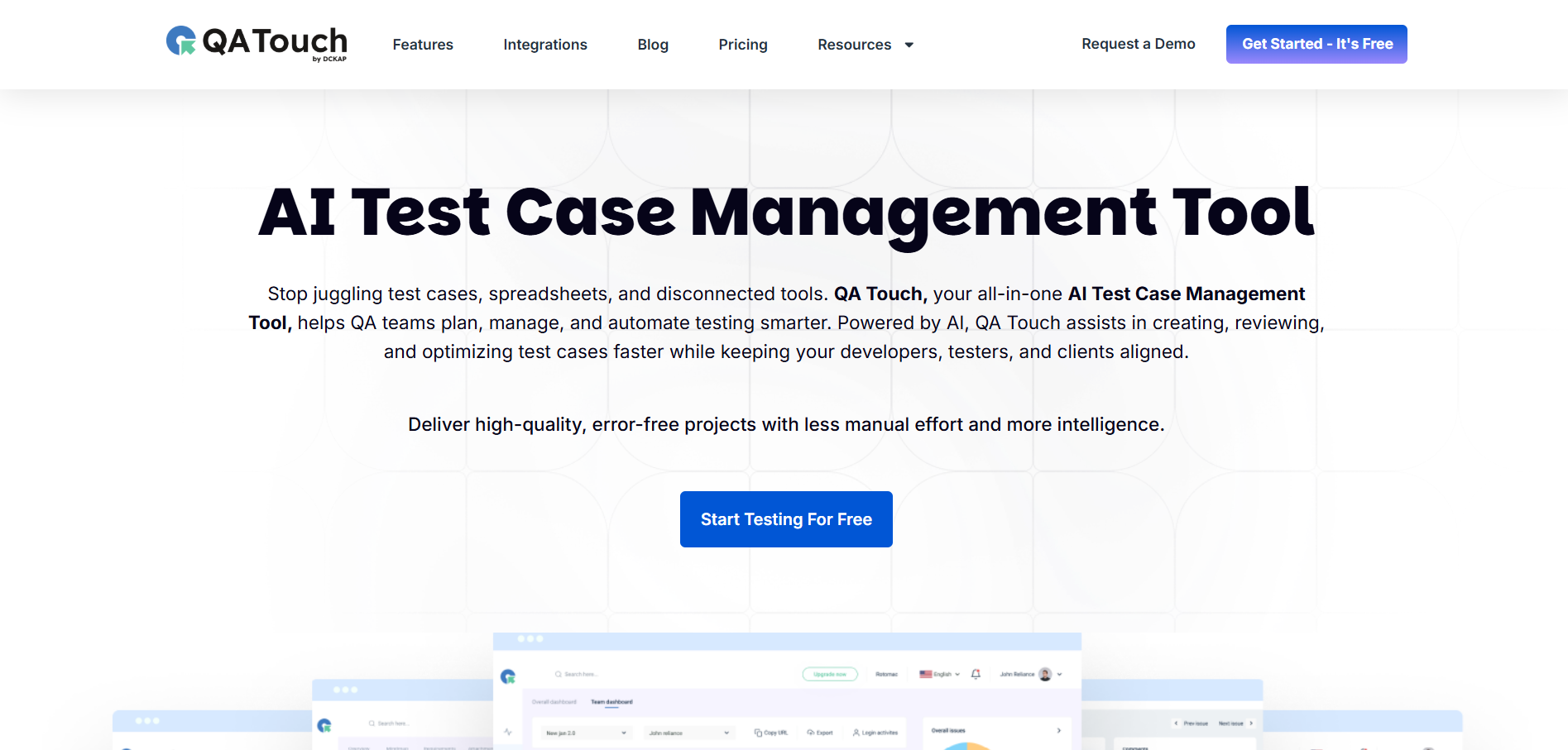
QA Touch is a modern test management platform designed to help teams manage manual and automated tests in a centralized system.
Key features
- Test case management and organization.
- Test run and execution tracking.
- Automation and CI/CD integration.
- Jira integration and reporting.
Pros
- Clean and intuitive user interface.
- Supports both manual and automated testing workflows.
- Easy onboarding for teams moving from spreadsheets.
Cons
- Limited advanced enterprise governance features.
- Reporting customization is basic.
- Smaller integration ecosystem compared to mature tools.
Best for
Growing QA teams that want a simple test management tool with automation support.
Pricing
Free minimum with paid plans.
Ideal for
Startups and small to mid-sized QA teams.
27. ReQtest
Overview
ReQtest is a cloud-based test management tool focused on requirement traceability and structured QA processes.
Key features
- Requirement-to-test traceability.
- Test case and execution management.
- Risk-based testing support.
- Reporting dashboards.
Pros
- Strong traceability between requirements, tests, and defects.
- Suitable for compliance-driven environments.
- Structured workflows improve testing consistency.
Cons
- The user interface can feel rigid for agile teams.
- Limited focus on automation-first workflows.
- Setup may be heavy for small teams.
Best for
Organizations require strict requirement traceability and compliance-focused QA processes.
Pricing
Subscription-based SaaS.
Ideal for
Mid-sized teams and regulated industries.
28. Klaros Testmanagement
Overview
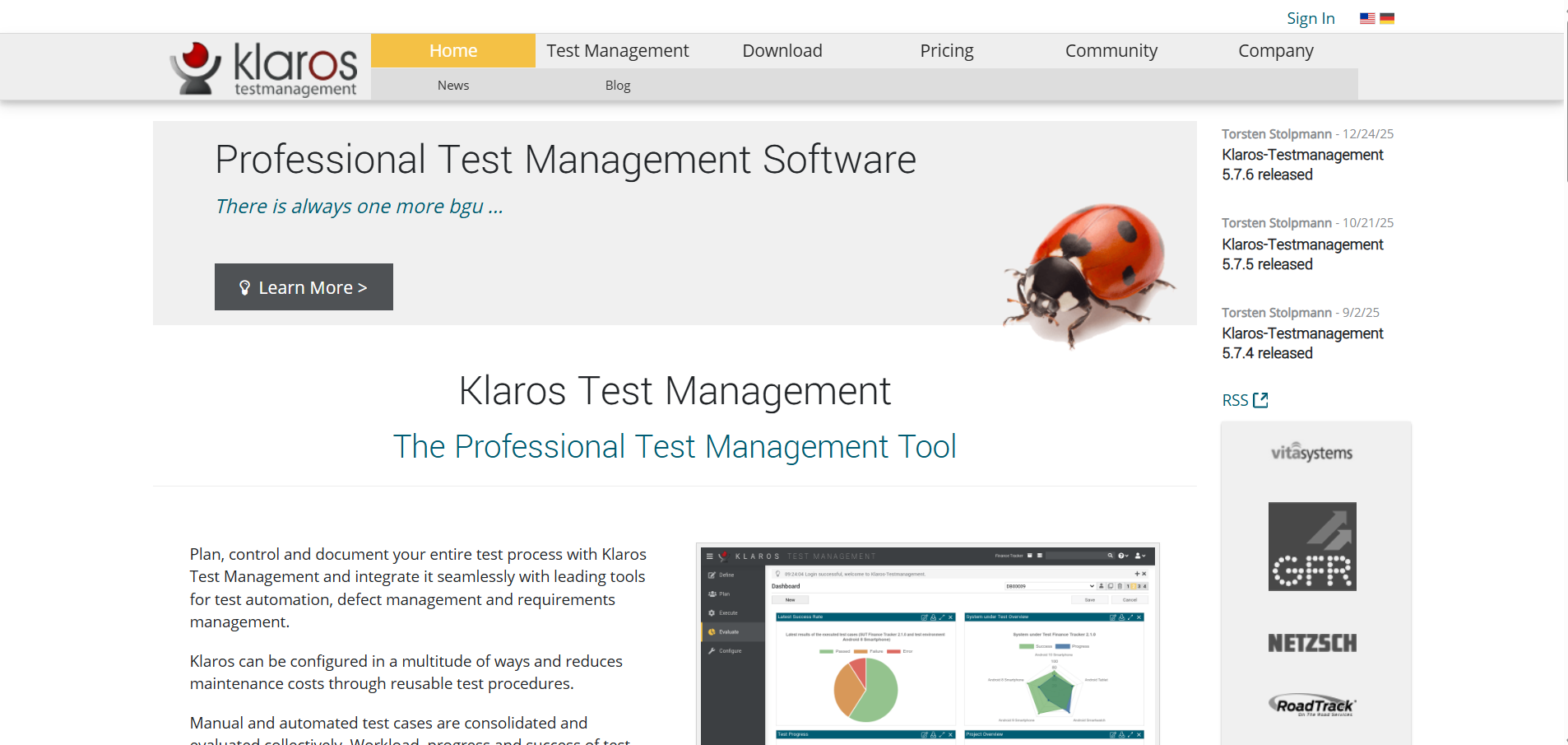
Klaros Testmanagement is a structured test management tool offering test planning, execution, and reporting features.
Key features
- Test case and test plan management.
- Requirement tracking.
- Reporting and metrics.
- Bug tracker integration.
Pros
- Strong documentation and reporting capabilities.
- Supports structured and audit-friendly QA processes.
- Available in community and enterprise editions.
Cons
- User interface feels outdated.
- Limited CI/CD and automation integrations.
- Configuration can require additional effort.
Best for
Teams that need structured test management with strong reporting and documentation.
Pricing
Free community edition and paid enterprise plans.
Ideal for
Mid-sized and enterprise QA teams.
29. Squash Test Management
Overview
Squash Test Management is an open-source test management tool that supports manual and automated testing with strong customization options. It is commonly adopted by organizations that prefer self-hosted and extensible QA systems.
Key features
- Test case and test execution management.
- Requirement traceability and coverage tracking.
- Integration with automation tools and CI pipelines.
- Customizable workflows and reporting.
Pros
- Open-source nature allows deep customization and control.
- Supports both manual and automated testing workflows.
- Suitable for complex QA environments with specific process needs.
Cons
- Installation and maintenance require technical expertise.
- The user interface is less polished than modern SaaS tools.
- Reporting requires configuration to be effective.
Best for
Technical teams that want an open-source, self-hosted test management solution with customization control.
Pricing
Free (open source) with optional enterprise support.
Ideal for
Organizations with DevOps and self-hosting capabilities.
30. Kiwi TCMS
Overview
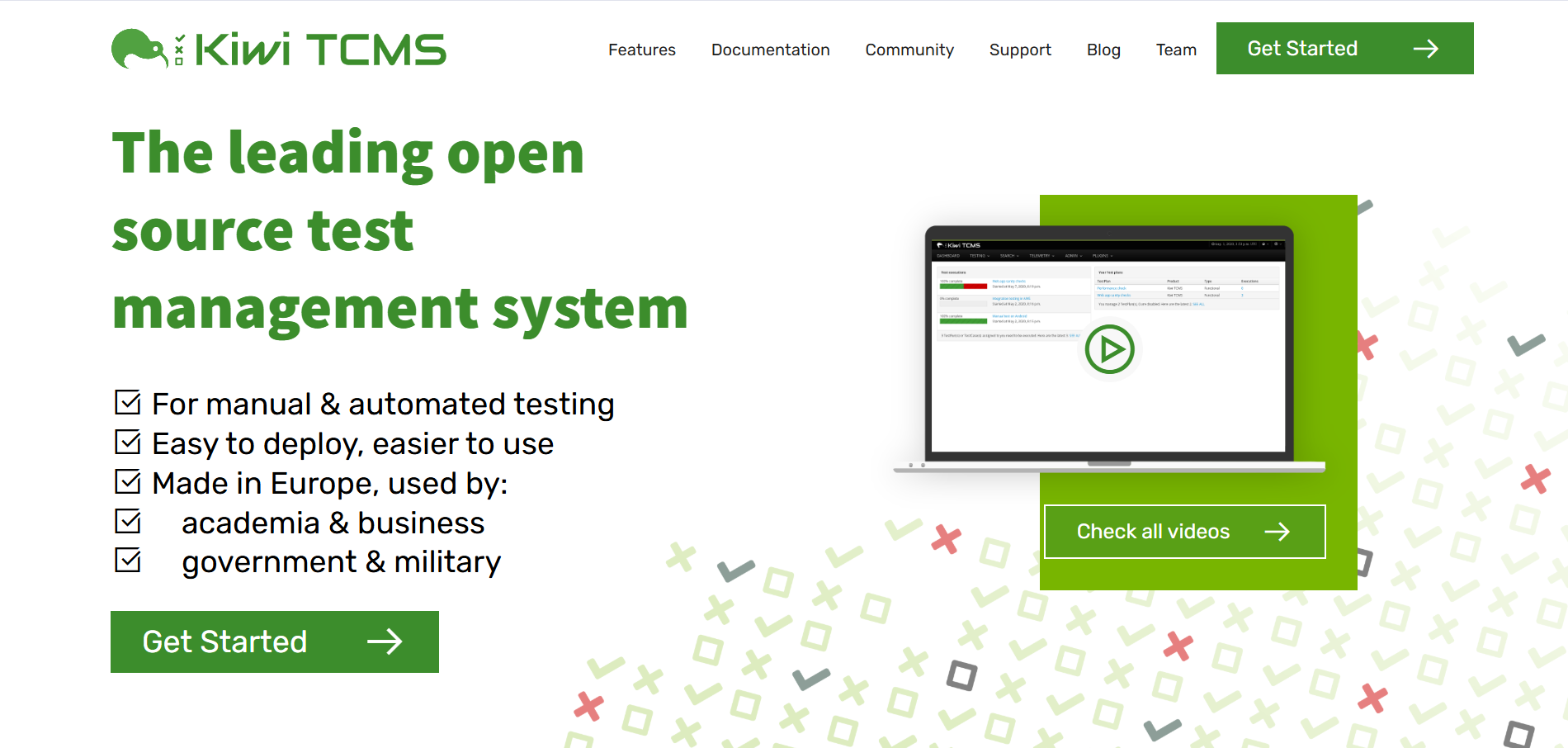
Kiwi TCMS is an open-source test case management system focused primarily on structured manual testing workflows. It provides essential test management functionality without enterprise complexity.
Key features
- Test case and test plan management.
- Manual test execution tracking.
- Bug tracker integration.
- REST API for integrations.
Pros
- Actively maintained open-source project.
- Reliable for structured manual test management.
- API support enables basic integrations.
Cons
- Limited advanced analytics and dashboards.
- Weak automation result analysis.
- User interface is functional but basic.
Best for
Manual testing teams are looking for a free and reliable test case management system.
Pricing
Free (open source).
Ideal for
Small and mid-sized QA teams.
31. Panaya Test Management

Overview
Panaya is an enterprise test management and change intelligence platform designed for ERP and SAP environments. It combines test management with impact analysis to optimize regression testing.
Key features
- Risk-based test selection.
- Change and impact analysis.
- Test execution and reporting.
- ERP and SAP-focused integrations.
Pros
- Significantly reduces regression testing effort in ERP systems.
- Strong analytics for prioritizing high-risk changes.
- Designed for complex enterprise environments.
Cons
- Not suitable for general-purpose software testing.
- High cost and long onboarding cycles.
- Limited flexibility outside ERP ecosystems.
Best for
Large enterprises testing SAP or ERP systems with complex regression requirements.
Pricing
Enterprise licensing / quote-based.
Ideal for
Large enterprise QA organizations.
32. IBM Engineering Test Management (ETM)

Overview
IBM Engineering Test Management is an enterprise-grade test management platform within IBM’s ALM suite, focused on governance, traceability, and large-scale QA programs.
Key features
- Test planning and execution management.
- Requirement and defect traceability.
- Integration with IBM ALM tools.
- Enterprise reporting and dashboards.
Pros
- Strong governance and compliance capabilities.
- Scales well across large, distributed organizations.
- Deep integration with IBM’s engineering toolchain.
Cons
- Complex setup and administration.
- High licensing and operational costs.
- Requires significant training and process alignment.
Best for
Large enterprises require strict QA governance and end-to-end ALM traceability.
Pricing
Enterprise licensing.
Ideal for
Regulated and large-scale organizations.
33. HP ALM / Quality Center
Overview
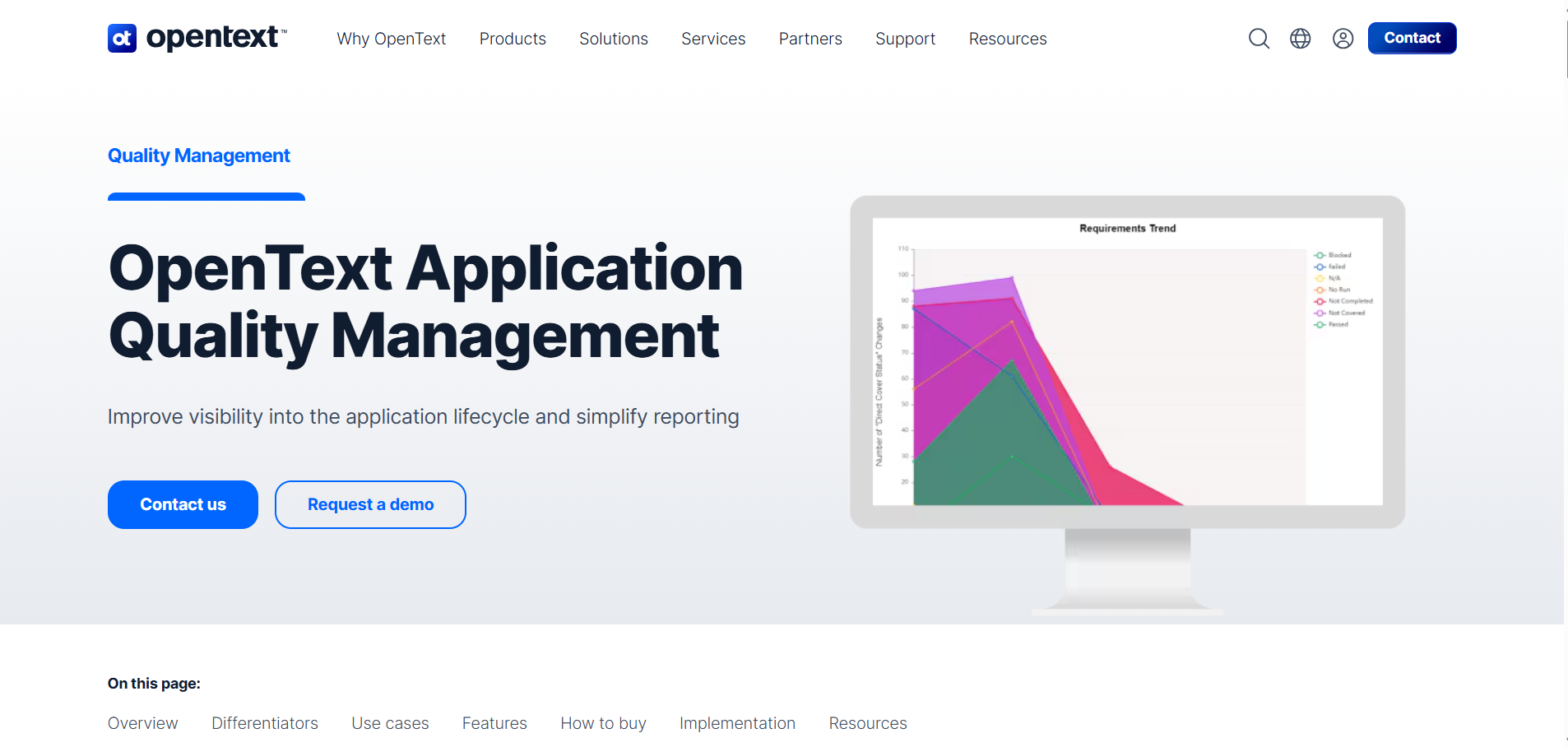
HP ALM (Quality Center) is a legacy enterprise test management platform still used by organizations with long-established QA processes.
Key features
- Test management and execution.
- Requirements tracking.
- Defect management.
- Reporting and traceability.
Pros
- Mature and stable platform with proven scalability.
- Strong traceability across QA artifacts.
- Widely adopted in legacy enterprise environments.
Cons
- Outdated user interface and user experience.
- Heavy infrastructure and maintenance requirements.
- Not aligned with modern DevOps and CI/CD practices.
Best for
Organizations maintain long-established HP ALM testing processes.
Pricing
Enterprise licensing.
Ideal for
Large legacy enterprises.
34. Azure Test Plans
Overview
Azure Test Plans is Microsoft’s test management solution integrated with Azure DevOps, focusing mainly on manual testing workflows.
Key features
- Manual test case management.
- Test plans and execution tracking.
- Bug tracking integration.
- Native Azure DevOps integration.
Pros
- Seamless integration with Azure DevOps workflows.
- Simple and structured manual testing support.
- Fits naturally into Microsoft-centric environments.
Cons
- Limited automation analytics and reporting.
- Minimal value outside the Azure DevOps ecosystem.
- Reporting features are basic.
Best for
Teams using Azure DevOps for development, testing, and release management.
Pricing
Included with Azure DevOps plans.
Ideal for
Microsoft-focused teams.
35. Jira Native Test Management
Overview
Jira Native Test Management relies on Jira issues and workflows to manage testing activities without dedicated test management plugins. It is commonly used by teams that want to keep all testing artifacts inside Jira.
Key features
- Issue-based test case representation.
- Manual test execution using Jira workflows.
- Basic linkage between tests, stories, and bugs.
Pros
- No additional tools or plugins required.
- Familiar Jira interface reduces onboarding effort.
- Simple setup for basic testing workflows.
Cons
- Very limited test management functionality.
- Poor reporting and analytics capabilities.
- Does not scale well for complex QA processes.
Best for
Small teams already using Jira that need basic test tracking without adopting a dedicated test management tool.
Pricing
Included with Jira.
Ideal for
Early-stage teams and simple projects.
36. Tuskr
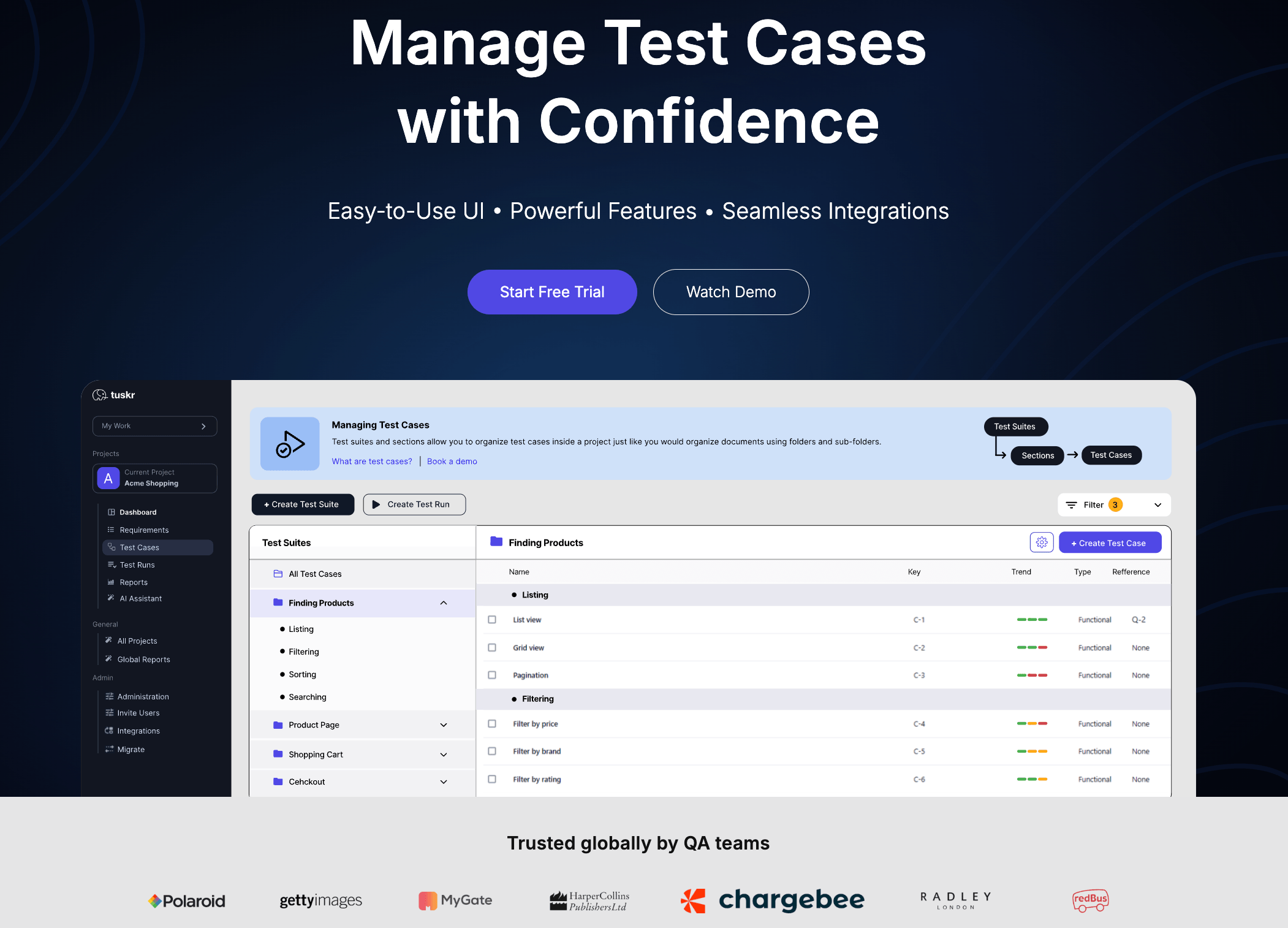
Overview
Tuskr is a cloud-based test management platform that centralizes test case organization, execution tracking, and stakeholder reporting for QA teams managing both manual and automated testing workflows.
Key features:
- Test case authoring with WYSIWYG editor, custom fields, and bulk CSV import
- Flexible test runs with custom result statuses and bulk reassignment across testers
- Integrations with Jira, Playwright, Cypress, Slack, and CI/CD pipelines
- PDF status reports, workload charts, and planned vs. actual execution tracking
Pros
- Combines testcase management, execution tracking, and reporting in one platform
- Playwright andCypress integrations unify manual and automated QA workflows
- Permanent free plan includes SSO, two-factor authentication, and audit trail.
Cons
- Designed for structured QA workflows rather than heavy CI pipeline analytics
- Integration set stays focused on core QA and CI/CD workflows.
Bestfor
QA teams managing hybrid manual and automated testing that need centralised execution visibility, requirement traceability, and stakeholder-ready reporting without enterprise-level pricing.
Pricing
Free plan available for up to 5 users (no credit card required); Subscription SaaS with tiered plans.
Idealfor
Small to mid-sized QA teams replacing spreadsheet-based workflows with a structured, integration-ready, and affordably priced test management platform.
37. Helix ALM
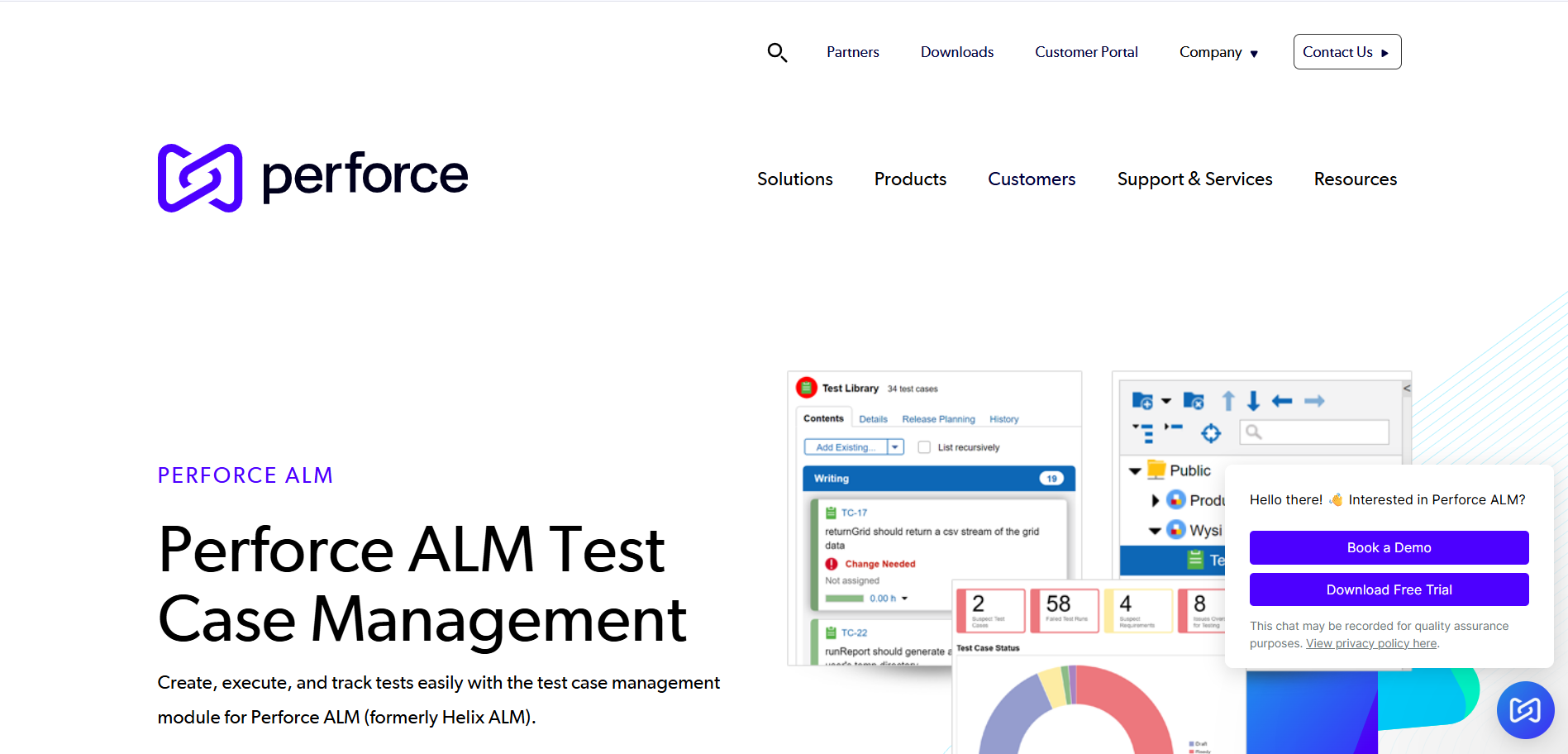
Overview
Helix ALM is a full application lifecycle management platform that includes test management as part of a broader ALM solution.
Key features
- Test case and execution management.
- Requirements and defect tracking.
- End-to-end traceability and reporting.
Pros
- Provides complete lifecycle visibility across projects.
- Strong traceability between requirements, tests, and defects.
- Suitable for structured QA processes.
Cons
- Complex configuration and administration.
- Heavy platform for teams needing only test management.
- Longer onboarding and setup time.
Best for
Organizations that require full ALM capabilities with integrated test management and traceability.
Pricing
Enterprise licensing.
Ideal for
Mid to large enterprises.
38. Orcanos Test Management
Overview
Orcanos is a quality and compliance management platform that includes test management features for regulated industries.
Key features
- Test case and execution management.
- Compliance and audit tracking.
- Reporting and documentation.
Pros
- Strong support for regulatory compliance and audits.
- Centralized quality and testing documentation.
- Designed for controlled environments.
Cons
- Less flexible for agile and fast-moving teams.
- Heavier than standalone test management tools.
- Limited focus on automation workflows.
Best for
Organizations in regulated industries that require compliance-driven QA and documentation.
Pricing
Enterprise SaaS / quote-based.
Ideal for
Medical, aerospace, and regulated sectors.
39. Yest Test Management
Overview
Yest is a modern test management tool designed to support agile and continuous testing workflows.
Key features
- Test case and test suite management.
- Automation integration.
- Reporting and dashboards.
Pros
- Modern and clean user interface.
- Supports agile testing practices.
- Easy to adopt for growing teams.
Cons
- Limited enterprise governance features.
- Smaller integration ecosystem.
- Reporting customization is basic.
Best for
Agile QA teams that want a modern and lightweight test management solution.
Pricing
Subscription-based SaaS.
Ideal for
Small to mid-sized teams.
40. XQual Test Management

Overview
XQual is an enterprise QA platform focused on quality analytics, governance, and test management.
Key features
- Test management and execution tracking.
- Quality metrics and analytics.
- Reporting and dashboards.
Pros
- Strong analytics for monitoring QA health.
- Designed for large and distributed QA programs.
- Emphasis on quality governance.
Cons
- Less suitable for small teams.
- Limited flexibility compared to modern SaaS tools.
- Adoption and setup can be complex.
Best for
Large organizations focused on QA analytics and centralized quality governance.
Pricing
Enterprise pricing / quote-based.
Ideal for
Large QA programs.
41. QAComplete
Overview
QAComplete is SmartBear’s test management platform supporting both manual and automated testing workflows.
Key features
- Test case and test execution management.
- Automation integration.
- Reporting and dashboards.
Pros
- Integrates well with SmartBear’s testing ecosystem.
- Supports mixed manual and automated testing.
- Centralized test repository.
Cons
- User interface feels outdated.
- Limited modern DevOps and CI/CD capabilities.
- Reporting is less flexible than newer tools.
Best for
Teams are already using SmartBear tools for testing and automation.
Pricing
Subscription-based SaaS.
Ideal for
Mid-sized QA teams.
42. SpiraTeam (Inflectra)
Overview
SpiraTeam is a full ALM platform that combines requirements, test management, and defect tracking into a single system.
Key features
- Test case and execution management.
- Requirement and defect traceability.
- Automation integration.
Pros
- Unified ALM approach reduces tool sprawl.
- Strong end-to-end traceability.
- Suitable for structured QA environments.
Cons
- Steep learning curve for new users.
- Heavy platform for small teams.
- Enterprise-focused pricing.
Best for
Organizations that need a unified ALM solution with integrated test management and traceability.
Pricing
Enterprise licensing.
Ideal for
Mid to large enterprises.
43. Testiny
Overview
Testiny is a lightweight test management tool focused on simplicity and basic test execution.
Key features
- Test case management.
- Test execution tracking.
- Simple reporting.
Pros
- Easy to use and quick to onboard.
- Suitable for basic testing needs.
- Minimal configuration required.
Cons
- Limited integrations with other tools.
- Lacks advanced analytics and automation insights.
- Not suitable for complex QA processes.
Best for
Small teams that need simple test cases and execution management without complexity.
Pricing
Subscription-based SaaS.
Ideal for
Startups and small teams.
44. QA Wizard Pro
Overview
QA Wizard Pro is a legacy automation and test management solution used in older QA environments.
Key features
- Automation testing capabilities.
- Test management features.
Pros
- Combines automation and test management in one tool.
- Suitable for maintaining legacy test suites.
Cons
- Legacy product with limited modern capabilities.
- Not aligned with CI/CD and DevOps practices.
- Limited ongoing innovation.
Best for
Organizations maintain legacy automation and testing environments.
Pricing
License-based.
Ideal for
Legacy QA environments.
45. ZeuZ Test Management
Overview
ZeuZ is an AI-driven test automation and management platform designed for CI/CD and DevOps pipelines.
Key features
- AI-powered automation.
- Test management and execution.
- CI/CD integration.
Pros
- Strong automation-first approach.
- Reduces the maintenance of automated tests.
- Designed for continuous testing.
Cons
- Limited manual testing features.
- Learning curve for AI-driven workflows.
- Less suitable for documentation-heavy QA.
Best for
Automation-first teams running CI/CD-driven testing pipelines.
Pricing
Subscription-based SaaS.
Ideal for
DevOps and SDET teams.
{{cta-image-second}}
Feature-by-Feature Comparison:
Benefits of Using Test Management Tools
Test management tools help QA teams build a structured, scalable, and efficient testing process. They bring visibility, control, and automation into every stage of software testing.
Test management software enables teams to:
- Organize and manage thousands of test cases in a centralized system
- Track manual and automated test execution in real time
- Improve collaboration between QA, developers, and product managers
- Integrate with CI/CD pipelines for continuous testing
- Generate real-time QA reports and dashboards
- Maintain full requirement traceability and test coverage
- Reduce duplicate and outdated test cases
QA test management tools improve release confidence by ensuring that every feature is tested before deployment.
They also help teams identify high-risk areas early and prevent production defects.
Challenges Solved by Test Management Tools
Modern QA teams face growing complexity due to microservices, cloud infrastructure, and frequent releases.
Test management tools bring structure and visibility to complex testing environments.
Test management software helps solve challenges such as:
- Scattered test cases across spreadsheets and documents
- Poor visibility into test execution status
- No traceability between requirements and tests
- Manual reporting and status tracking
- Weak automation visibility
- Delayed feedback in CI/CD pipelines
- Inconsistent testing processes across teams
{{cta-image-third}}
Conclusion
Test management tools play a vital role in helping QA teams organize testing, track execution, and maintain high software quality.
They bring structure, visibility, and control to modern Agile and DevOps workflows.
From lightweight tools for small teams to enterprise-grade platforms for large organizations, each test management tool serves a unique purpose.
Choosing the right solution depends on your team size, automation maturity, and release process.
Ultimately, the right test management tool enables faster releases, fewer defects, and greater confidence in every deployment. It transforms QA from a bottleneck into a strategic advantage.
FAQs
1. What are test management tools?
Test management tools are software platforms that help QA teams manage test cases, track test execution, monitor defects, and generate quality reports. They centralize the entire testing lifecycle and improve collaboration between QA, developers, and product teams.
2. Why are test management tools important for QA teams?
Test management tools provide visibility into what is tested, what is failing, and what is ready for release. They help QA teams reduce manual work, improve test coverage, and deliver higher-quality software faster.
3. Can test management tools integrate with automation frameworks?
Yes, modern test management tools integrate with automation frameworks like Playwright, Selenium, and Cypress. They also connect with CI/CD pipelines to collect automated test results and generate real-time reports.
4. Are test management tools suitable for small teams and startups?
Yes, many test management tools offer lightweight and affordable plans designed for small teams. Tools like Qase, Tuskr, and TestLodge are popular choices for startups and growing QA teams.
5. How do I choose the right test management tool for my team?
You should consider your team size, testing maturity, automation needs, and integration requirements. The right test management tool should fit naturally into your development workflow and scale as your team grows.


.svg)


.svg)

.webp)





.svg)